4
ENGLISH
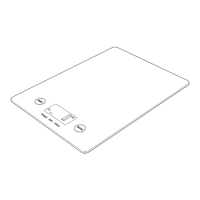
Place the scale
Place the scale on a rm, at and even surface to ensure accuracy.
User instructions
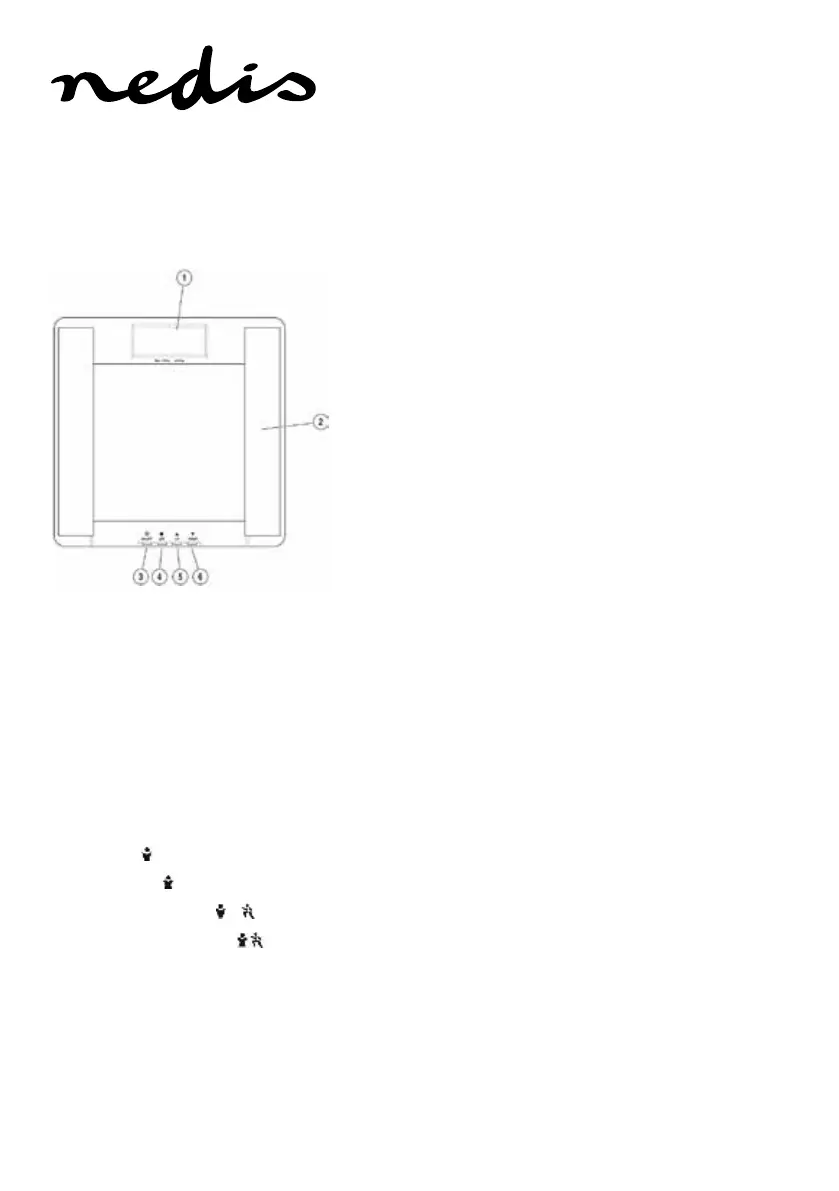
1. Display screen
2. Electrodes
3. ON/OFF button
4. SET button
5. UP button
6. DOWN button
Setting and storing personal data
e scale can store personal data for up to 10 persons.
1. Press the ON/OFF button.
e personal key number ashes.
2. Press the UP/DOWN buttons to select a personal key (P0 to P9).
3. Press the SET button.
e gender symbols ash.
4. Press the UP/DOWN buttons to select user gender and condition:
• Male (
)
• Female (
)
• Male Athlete (
)
• Female Athlete (
)
5. Press the SET button.
e display shows the height.
6. Use the UP/DOWN buttons to specify user height (user height
range may be between 80cm–220 cm or 2’ 7.5”–7’ 2.5”).



 To Next Page