ENGLISH
2
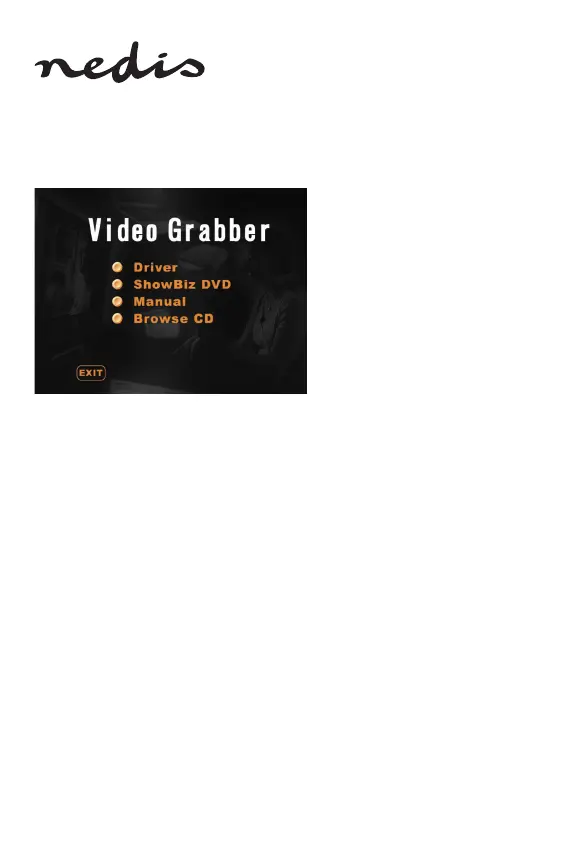
Software installation:
• Driver
• Arcsoft ShowBiz DVD software
• Manual (Arcsoft ShowBiz DVD help les)
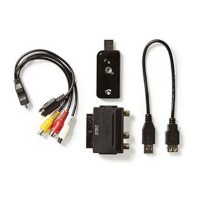
1) Before using the video grabber, please install the driver and software by
following the instructions below.
2) Step 1: Insert the CD‑ROM into the CD‑ROM drive.
3) Step 2: Install the driver by clicking “Driver installation”.
4) Step 3: Restart your PC to make sure the driver is properly installed.
5) Step 4: Install the Arcsoft ShowBiz DVD software.
6) Step 5: For the Arcsoft ShowBiz DVD software operation, please refer to the
manual located on the CD‑ROM. Click “Manual” and choose your language.
KONIG ELECTORNIC CSUSBVG100 MANUAL_A6_Print.indb 2 11-4-2018 11:14:40


 To Next Page