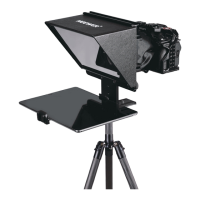
Steps for installing your phone
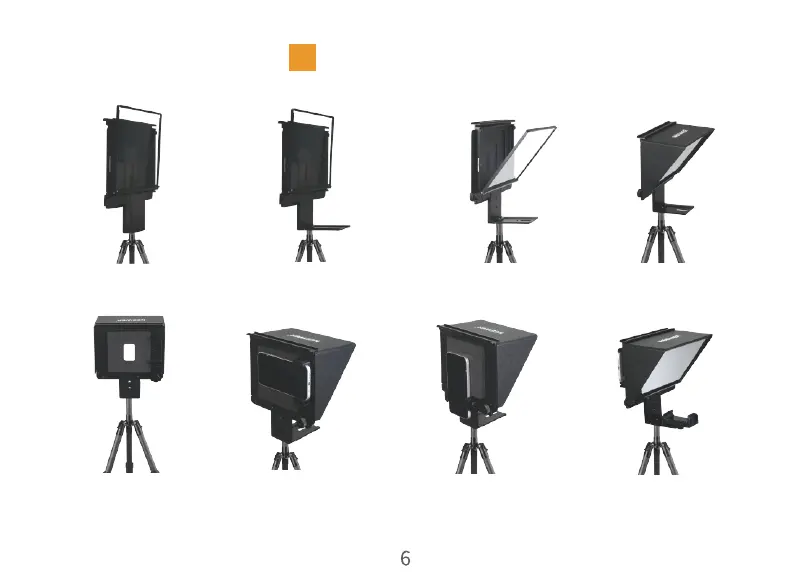
5. Plug in the mobile phone
viewfinder visor and select
the viewfinder correspond-
ing to the camera lens
6. Adjust the horizontal
or vertical camera clip
7. Install the mobile phone
to adjust the appropriate
viewing angle and fix it
8. Press the teleprompter
folder button to install the
teleprompter device
2. Open Teleprompter tray1. Install the teleprompter
on the tripod
3. Open the glass frame
forward
4. Install the glass sun visor


 To Next Page
 Loading...