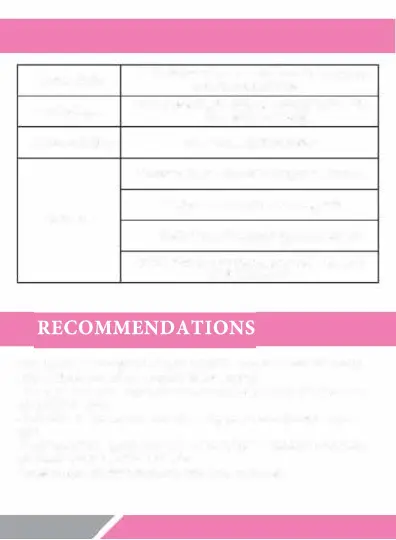
LED INDICATOR LIGHT STATUS
Charge Status
LED indicator light stays red. When fully charged,
blue LED indicator light turns on
Pairing Status
LED indicator light rapidl
y flashes with alternating
blue and green colors
Connected Status
LED indicator light stays blue
Bluetooth Mode, LED indicator light flashes blue
Using Status
Aux-in Mode, the headset automatically turns off
LED light turns off
•
If no there is no successful pairing connection after the Bluetooth
headset enters the pairing mode, please tum off the headset to save
power.
•
Do not perform other operations while establishing bluetooth connection to
prevent program error.
•
Please select the proper save volume while using the headset to prevent
damage to your ears and hearing loss.
•
Please keep the bluetooth headset in an appropriate environment to avoid
damage to the headset.
•
Please charge the headset after a long time non-use.


 To Next Page