
 Need help?
Do you have a question about the nest Power Connector and is the answer not in the manual?
Ensure power is off at the breaker panel before handling wires to avoid high voltage.
Use caution when accessing HVAC units and seek professional help if uncomfortable or in tight spaces.
Install thermostat, update software, turn off power, and access HVAC equipment.
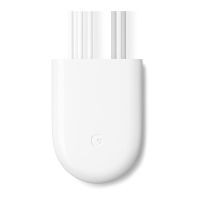
Label thermostat wiring, use wire connectors, and install the power connector.
Close HVAC cover, restore power, and confirm power connector installation.
Details compatible Nest thermostats and HVAC systems; notes incompatible systems.
View an installation video for visual assistance at g.co/nest/powerconnectorinstall.
Connect with installers trained in Google Nest products via g.co/nest/install.
Access detailed instructions for advanced installations at g.co/nest/powerconnectoradvanced.
 General
| Brand | nest |
|---|---|
| Model | Power Connector |
| Category | Cables and connectors |
| Language | English |

 To Next Page