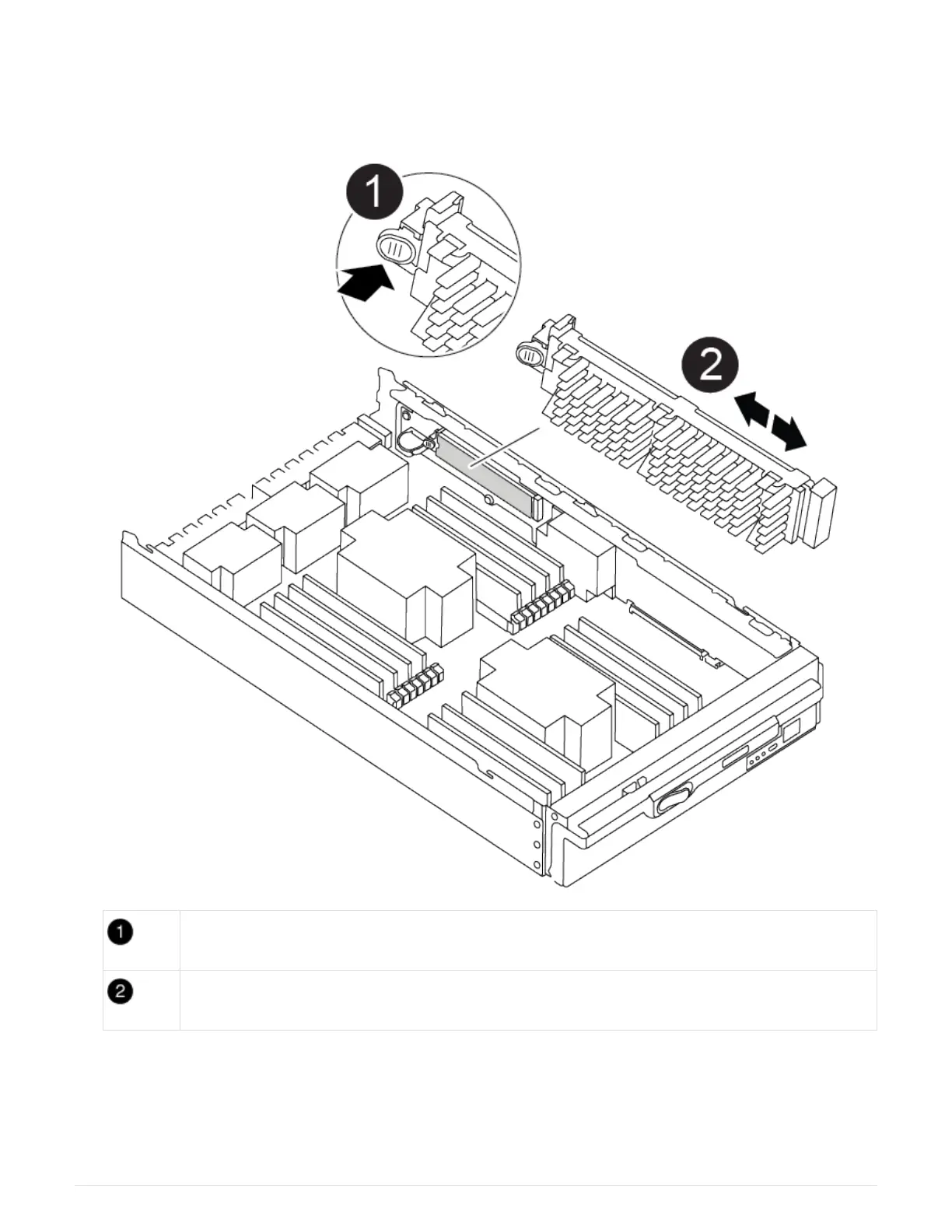
1. Lift the black air duct at the back of the controller module and then locate the boot media using the
following illustration or the FRU map on the controller module:
Animation — replace boot media
Press release tab
Boot media
2. Press the blue button on the boot media housing to release the boot media from its housing, and then
gently pull it straight out of the boot media socket.
29



 To Next Page