2. Remove the bezel (if necessary) with two hands, by grasping the openings on each side of the bezel, and
then pulling it toward you until the bezel releases from the ball studs on the chassis frame.
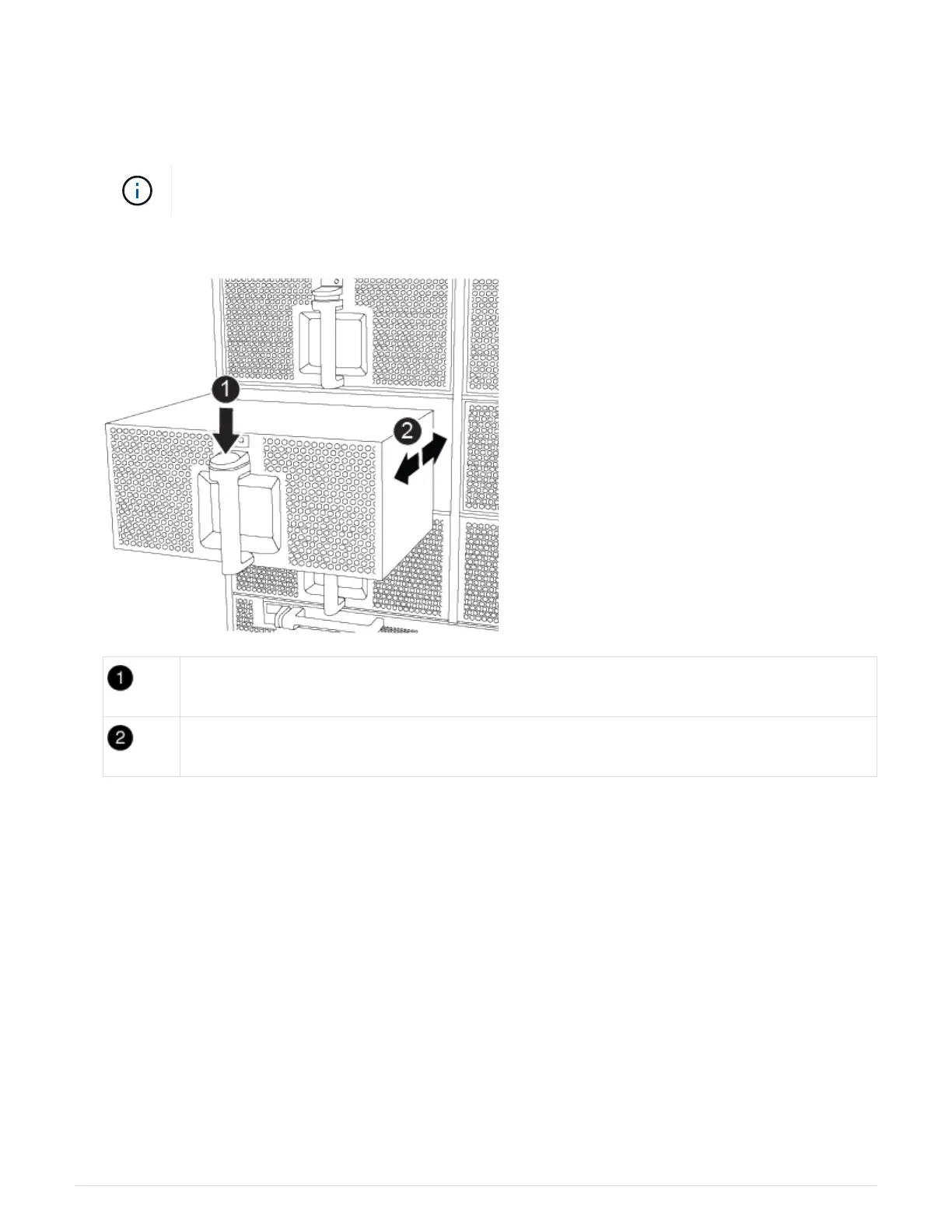
3. Press the terra cotta button on the fan module and pull the fan module straight out of the chassis, making
sure that you support it with your free hand.
The fan modules are short. Always support the bottom of the fan module with your free hand
so that it does not suddenly drop free from the chassis and injure you.
Animation — Remove/install fan
Orange release button
Slide fan in/out of chassis
4. Set the fan module aside.
5. Repeat the preceding steps for any remaining fan modules.
Step 3: Remove the controller module
To replace the chassis, you must remove the controller module or modules from the old
chassis.
1. If you are not already grounded, properly ground yourself.
2. Unplug the cables from the impaired controller module, and keep track of where the cables were
connected.
3. Slide the terra cotta button on the cam handle downward until it unlocks.
Animation — Remove the controller
41



 To Next Page