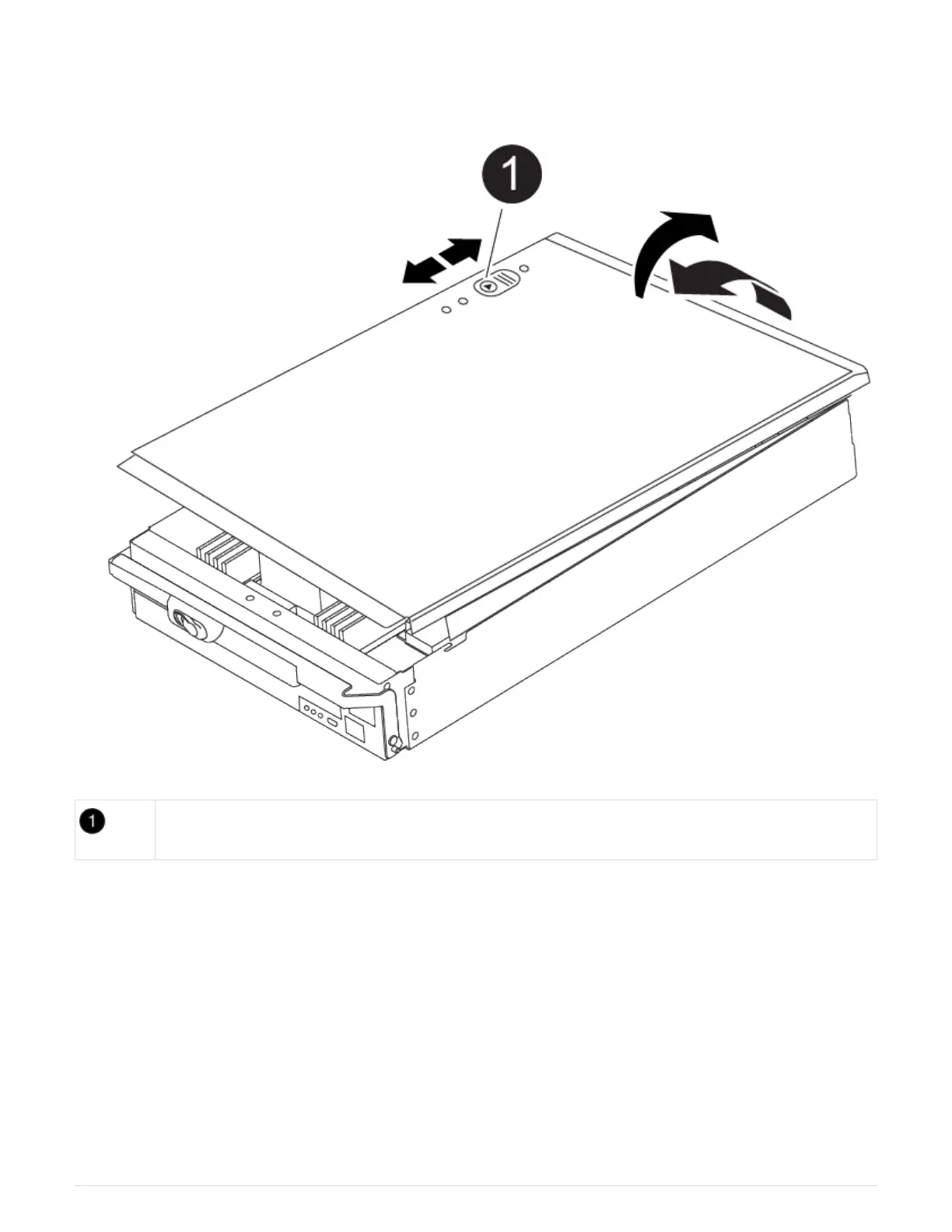
5. Place the controller module lid-side up on a stable, flat surface, press the blue button on the cover, slide
the cover to the back of the controller module, and then swing the cover up and lift it off of the controller
module.
Controller module cover locking button
Step 2: Move the boot media
You must locate the boot media and follow the directions to remove it from the old
controller and insert it in the new controller.
1. Locate the boot media using the following illustration or the FRU map on the controller module:
56



 To Next Page