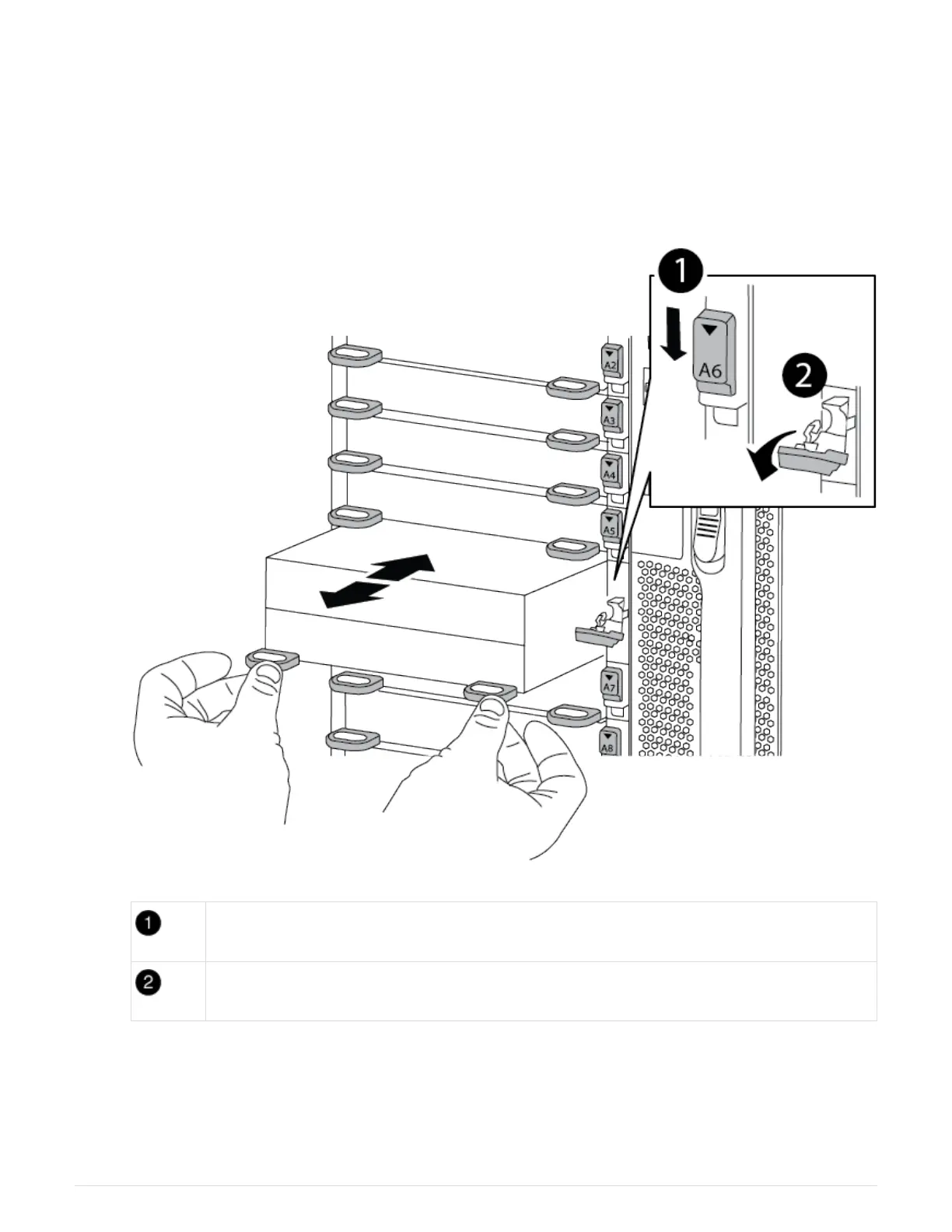
b. Rotate the cam latch down until it is in a horizontal position.
The NVRAM module disengages from the chassis and moves out a few inches.
c. Remove the NVRAM module from the chassis by pulling on the pull tabs on the sides of the module
face.
Animation—Replace NVRAM DIMM
Lettered and numbered I/O cam latch
I/O latch completely unlocked
3. Set the NVRAM module on a stable surface and remove the cover from the NVRAM module by pushing
down on the blue locking button on the cover, and then, while holding down the blue button, slide the lid off
the NVRAM module.
97



 To Next Page