3. Locate, remove, and then replace the RTC battery:
a. Using the FRU map, locate the RTC battery on the controller module.
b. Gently push the battery away from the holder, rotate it away from the holder, and then lift it out of the
holder.
Note the polarity of the battery as you remove it from the holder. The battery is marked
with a plus sign and must be positioned in the holder correctly. A plus sign near the
holder tells you how the battery should be positioned.
c. Remove the replacement battery from the antistatic shipping bag.
d. Note the polarity of the RTC battery, and then insert it into the holder by tilting the battery at an angle
and pushing down.
4. Visually inspect the battery to make sure that it is completely installed into the holder and that the polarity is
correct.
5. Close the air duct.
Step 4: Reinstall the controller module and setting time/date after RTC battery replacement
After you replace a component within the controller module, you must reinstall the controller module in the
system chassis, reset the time and date on the controller, and then boot it.
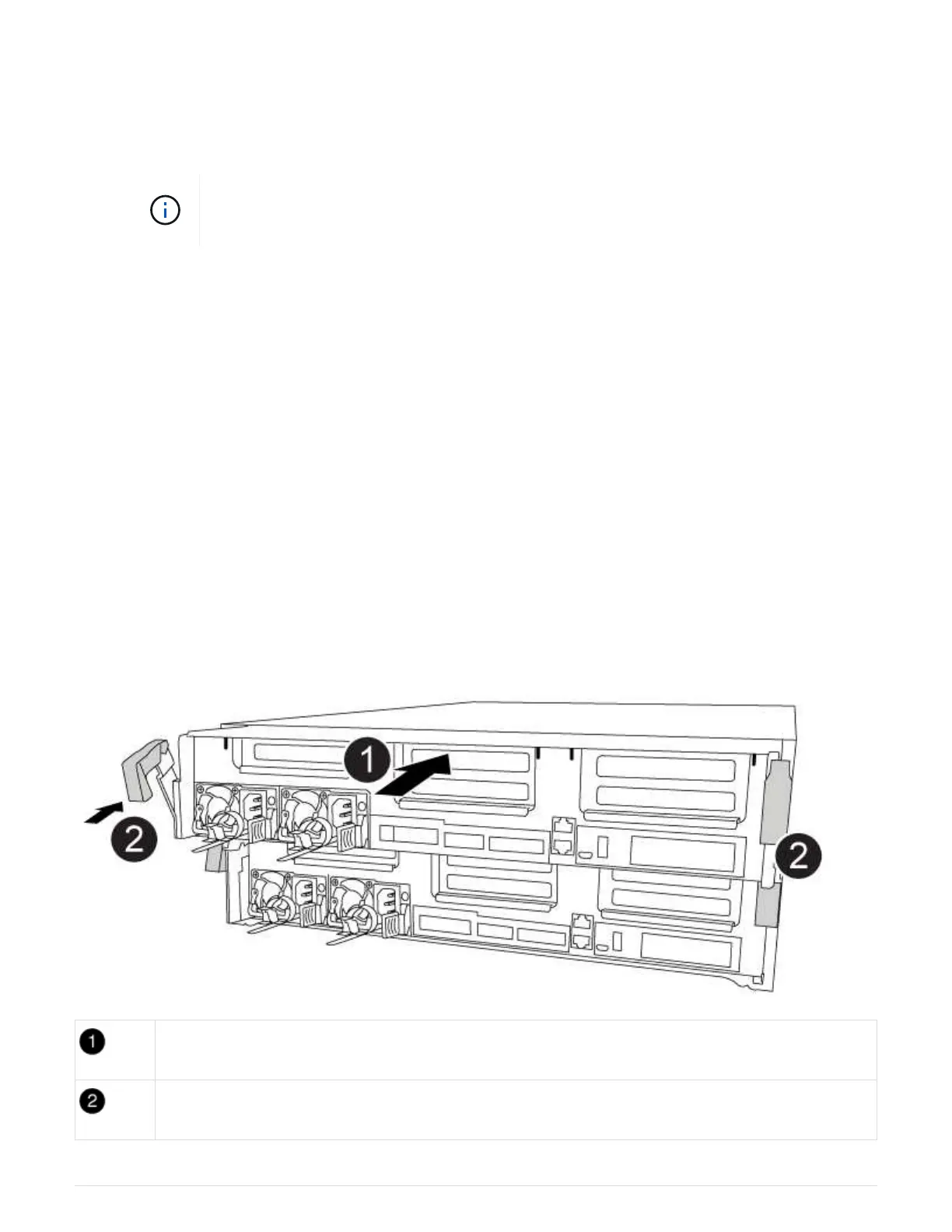
You can use the following animation, illustration, or the written steps to install the controller module in the
chassis.
Animation - Install the controller module
Controller module
Controller locking latches
107



 To Next Page