Thumbscrew
Controller module cover.
== Step 3: Replace or install a mezzanine card
To replace a mezzanine card, you must remove the impaired card and install the replacement card; to
install a mezzanine card, you must remove the faceplate and install the new card.
Use the following video or the tabulated steps to replace a mezzanine card:
Animation - Replace a mezzanine card
1. To replace a mezzanine card:
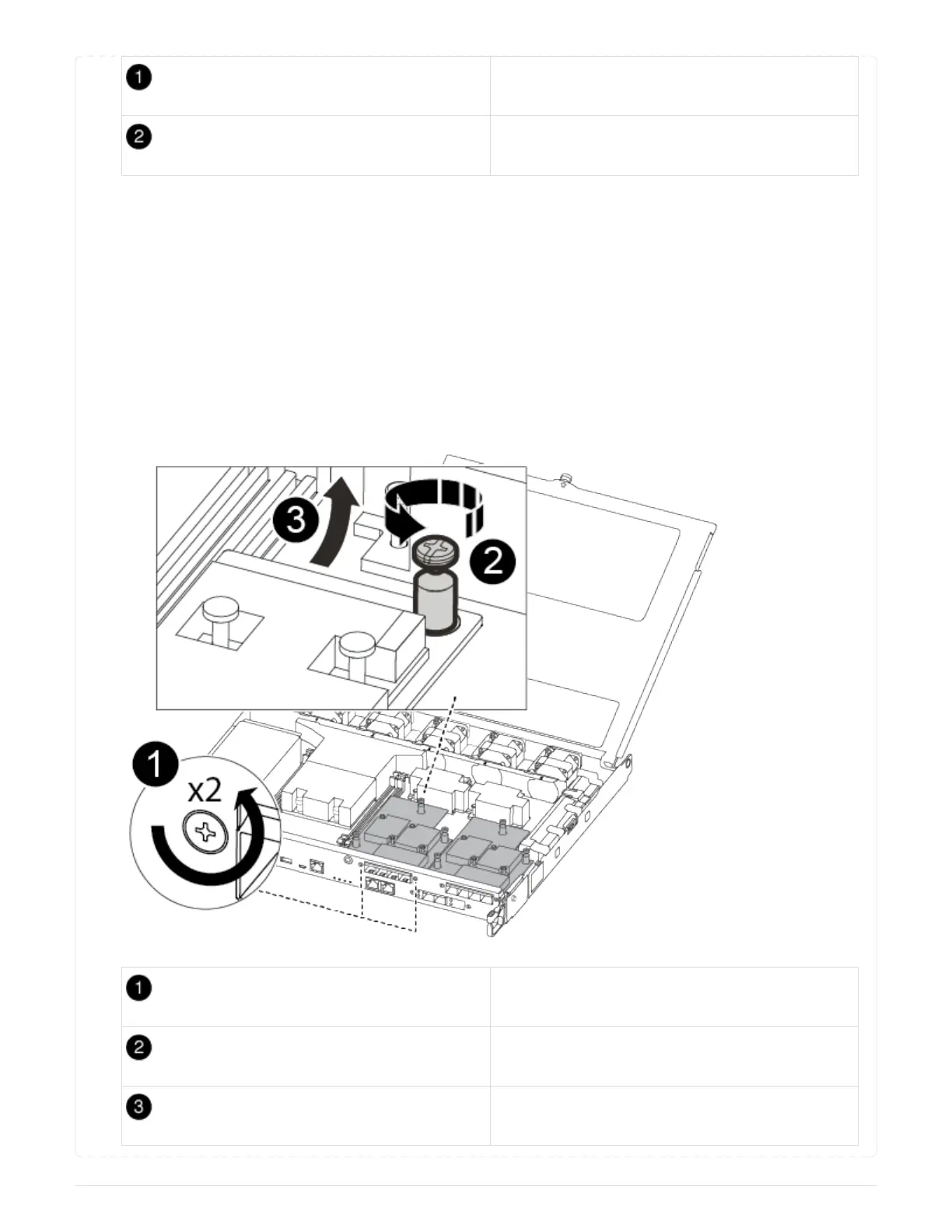
2. Locate and replace the impaired mezzanine card on your controller module.
Remove screws on the face of the controller
module.
Loosen the screw in the controller module.
Remove the mezzanine card.
79



 To Next Page