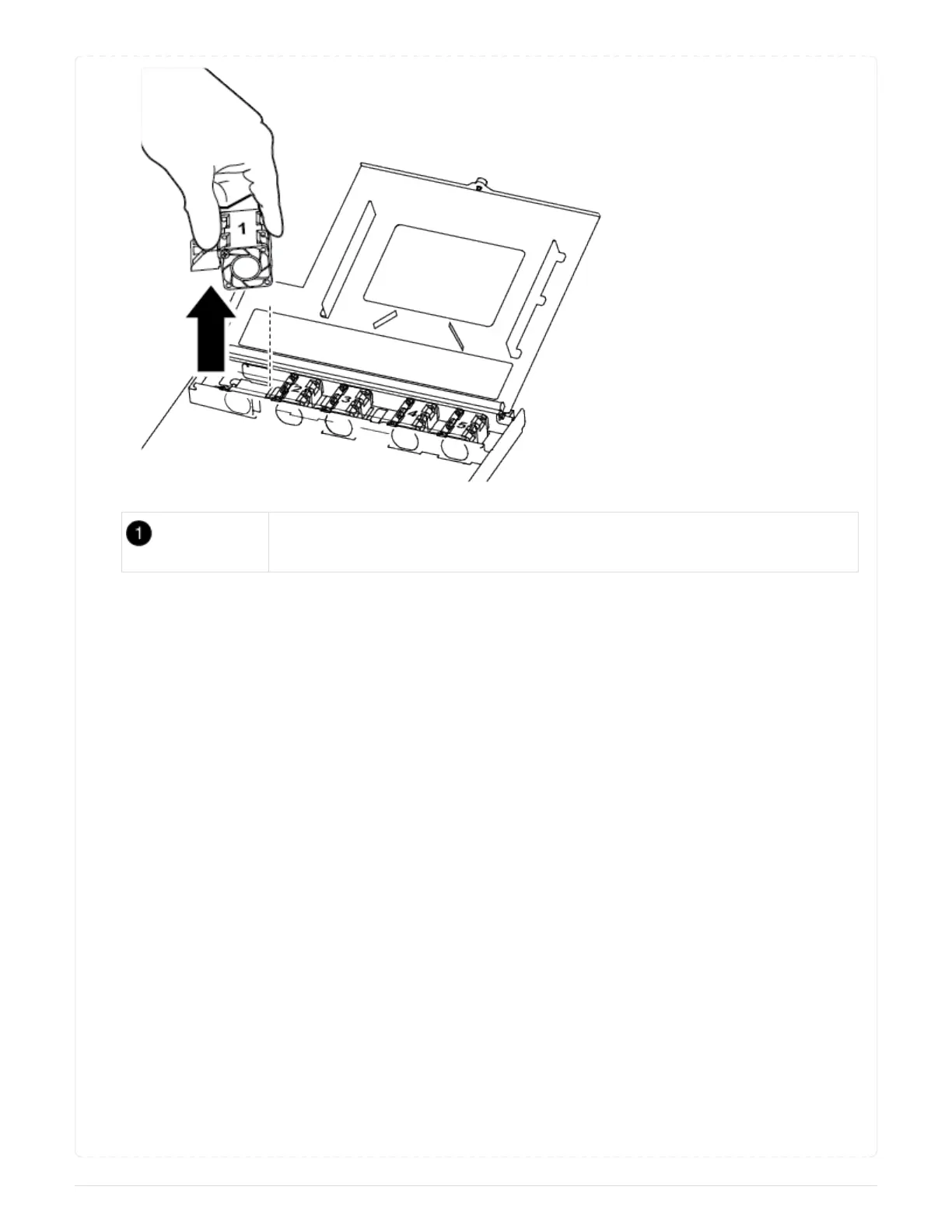
Fan module
3. Align the edges of the replacement fan module with the opening in the controller module, and then
slide the replacement fan module into the controller module.
== Step 4: Reinstall the controller module
After you replace a component within the controller module, you must reinstall the controller module in the
system chassis and boot it.
1. Close the controller module cover and tighten the thumbscrew.
74



 To Next Page