16
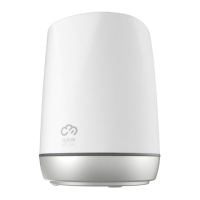
Wait ve minutes for the CloudMesh Satellite
to initialise and then check the light status.
A solid white or blue light means the satellite has
been paired with the Gateway and is ready to use.
2
A solid red light means that the Satellite
needs to be moved closer to the Gateway.
If after ve minutes, the light is still ashing blue,
follow the instructions on the page 18.


 To Next Page