PoE considerations
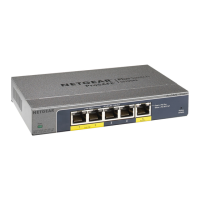
The PoE and PoE+ power supplied by the switch is prioritized in ascending
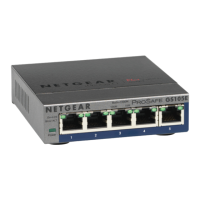
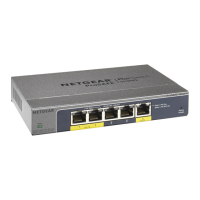
port order (from port 1 to port 4), with a total power budget of 63W for model
GS105P and 83W for model GS105PP. If the power requirements for the attached
powered devices (PDs) exceed the total power budget of the switch, the PD
on the highest-numbered port is disabled to make sure that the PDs that are
connected to the higher-priority, lower-numbered ports are supported rst.
PoE troubleshooting
Here are some tips for correcting PoE problems that might occur:
• If the PoE Max LED is yellow, disconnect one or more PoE devices to prevent
PoE oversubscription. Start by disconnecting the device from the highest-
numbered port.
• For each powered device (PD) that is connected to the switch, the associated
right port LED on the switch lights solid green. If the right port LED lights
yellow, a PoE fault occurred because of one of the conditions listed in the
following table.
PoE Fault Condition Possible Solution
A PoE-related short circuit occurred on the
port.
The problem is most likely with
the attached PD. Check the
condition of the PD, or restart
the PD by disconnecting and
reconnecting the PD.
The PoE power demand of the PD exceeded
the maximum level that the switch permits.
The maximum level is 15.4W for a PoE
connection or 30W for a PoE+ connection
The PoE current on the port exceeded the
classication limit of the PD.
The PoE voltage of the port is outside the
range that the switch permits
Power cycle the switch to see if
the condition resolves itself.



 To Next Page
 Loading...