Letʼs say we wanted to address the iViewHD camera at IP address 192.1681.200. The command in
Windows would be
arp -s 192.168.1.200 00-03-75-00-00-07
In Linux or Mac OS X the command would be
arp -s 192.168.1.200 00:03:75:00:00:07
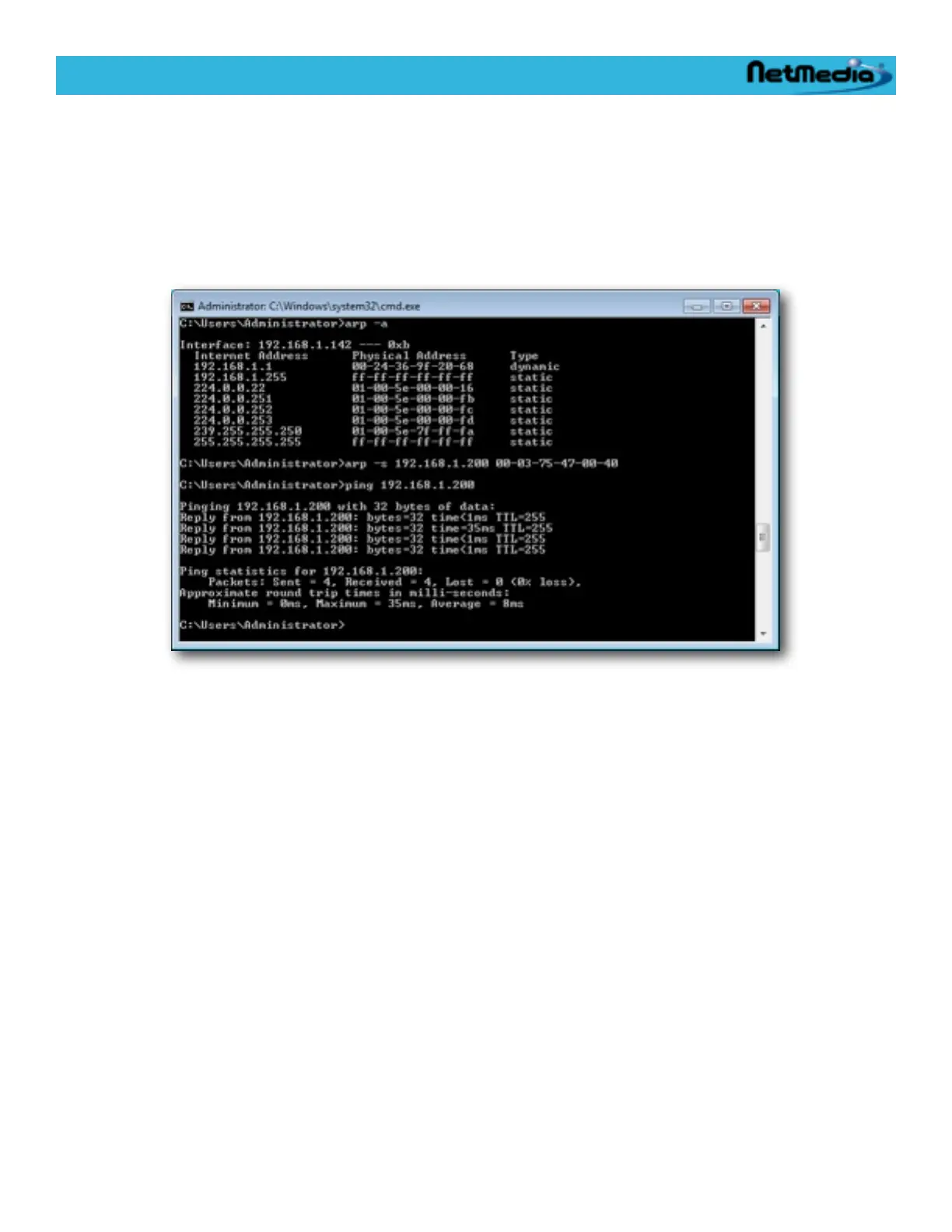
Here is an example CMD.EXE session for windows mapping the IP address 192.168.1.200 to the
MAC address of 00-03-75-47-00-07:
The arp -a command lists all the entries in the ARP table. After the new IP to MAC association is
made, we do a ping to make sure that the iViewHD camera is accessible.
iViewHD Userʼs Manual
© 2009 NetMedia, Inc. 35


 To Next Page