
 Need help?
Do you have a question about the NetworkTV Amino H140 STB and is the answer not in the manual?
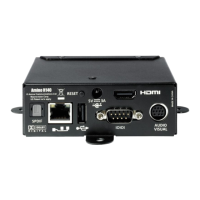
Guide on physically connecting the set-top box to power, audio/video sources, and network.
Steps for accessing the STB management pages after initial connection and keyboard setup.
Configure the STB's browser path for live channels and display settings.
Set the STB's hostname for integration with the NetworkTV system.
Configure a static IP address for the STB, disabling DHCP.
 General
| Brand | NetworkTV |
|---|---|
| Model | Amino H140 STB |
| Category | Set-top boxes |
| Language | English |

 To Next Page