Newbeem Smart Outlet User Manual v2.0
Customer service: support@newbeem.com
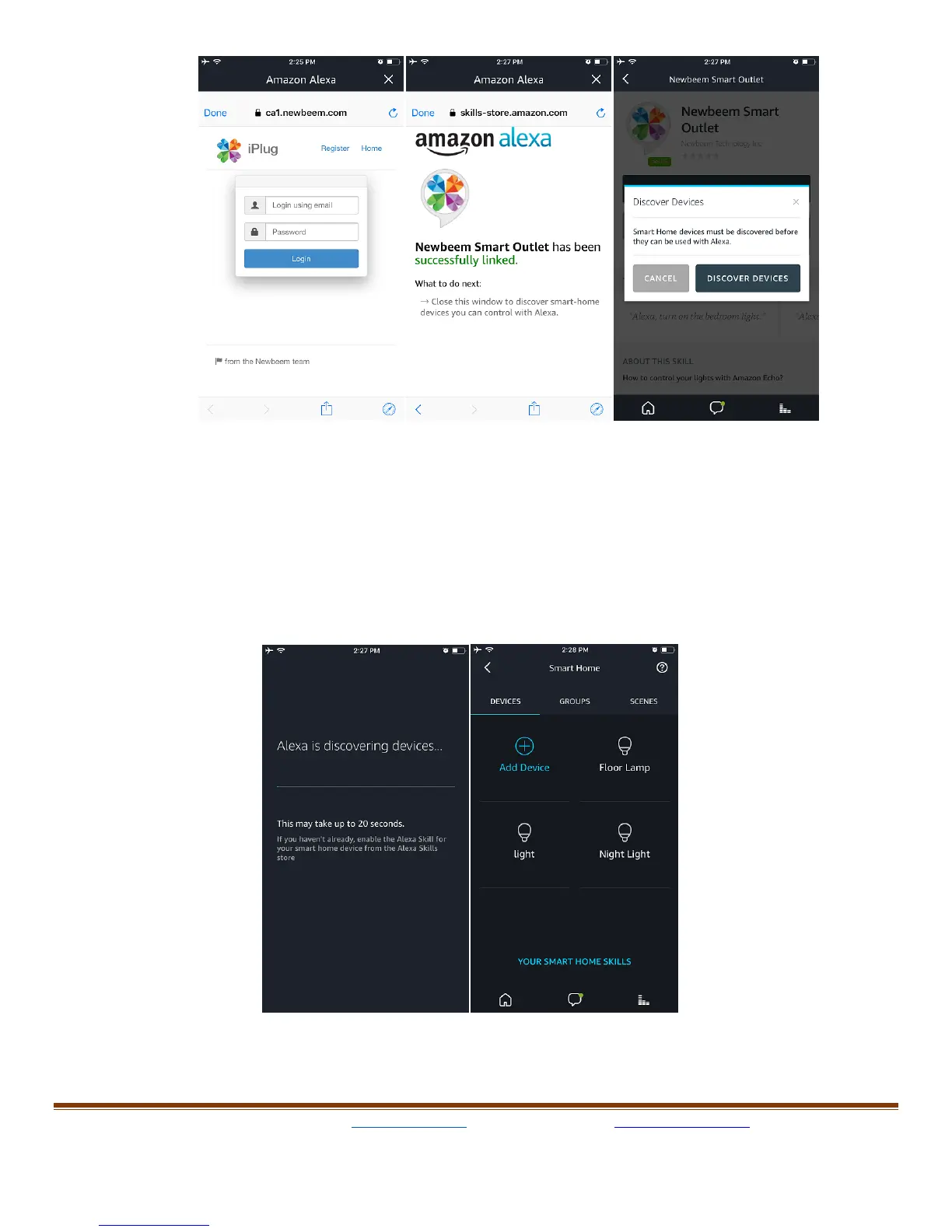
Once the discovery done, all of the available devices will show up in
the devices page and now the user can control it from voice command
like:
"Alexa, turn on the light", "Alexa, turn off the light", "Alexa, set light to
40%".



 To Next Page