15.0 Charger and autonomy of the wheelchair
15.1 Charger
A 24v charger is included with your purchase. Make sure the power is off bebore charging. When charging the wheelchair be sure to connect the
charger to the wheelchair before connecting the charger to the power outlet.
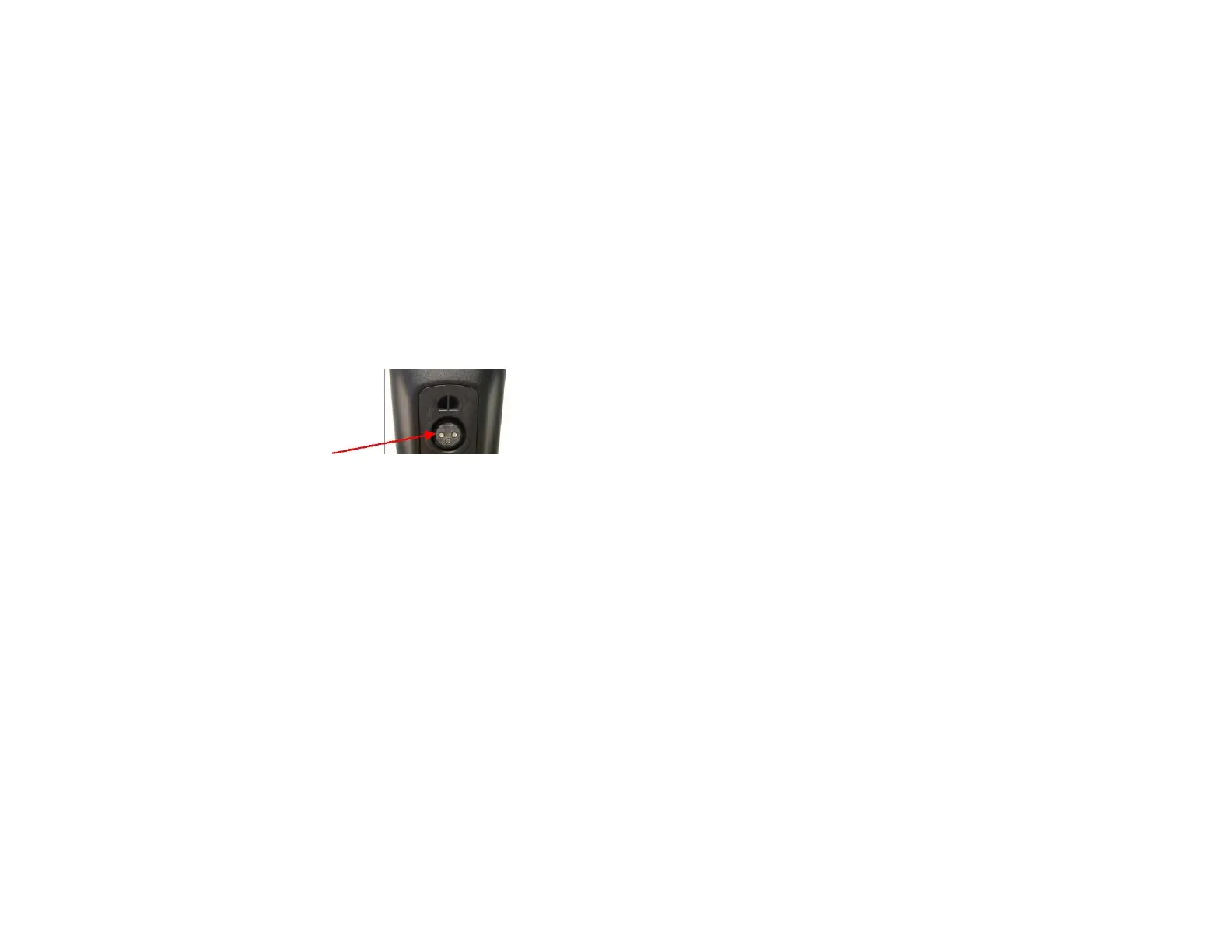
The connection is located on the underside of the control unit:
Connection for R-Net and
VR2
Once the batteries are fully charged unplug charger from wheelchair and power outlet. An orange LED indicates the level of charge of the
batteries. A green LED indicates that the batteries are charged.
For maximum benefit of the batteries, it is recommended to recharge the batteries over night after every use. The charge will stop automatically
when the batteries are full.
In case of high discharge (more than 3 red leds) it is essential to connect the charger immediately after use of the wheelchair. A prolonged
discharge of batteries caused their premature deterioration.
If the batteries are fully discharged, the loading time will not exceed twelve hours. Most of the time 6 to 8 hours is enough for a normal
discharge. Never interrupt a charge before the full charge of the batteries.



 To Next Page