10
ENGLISH
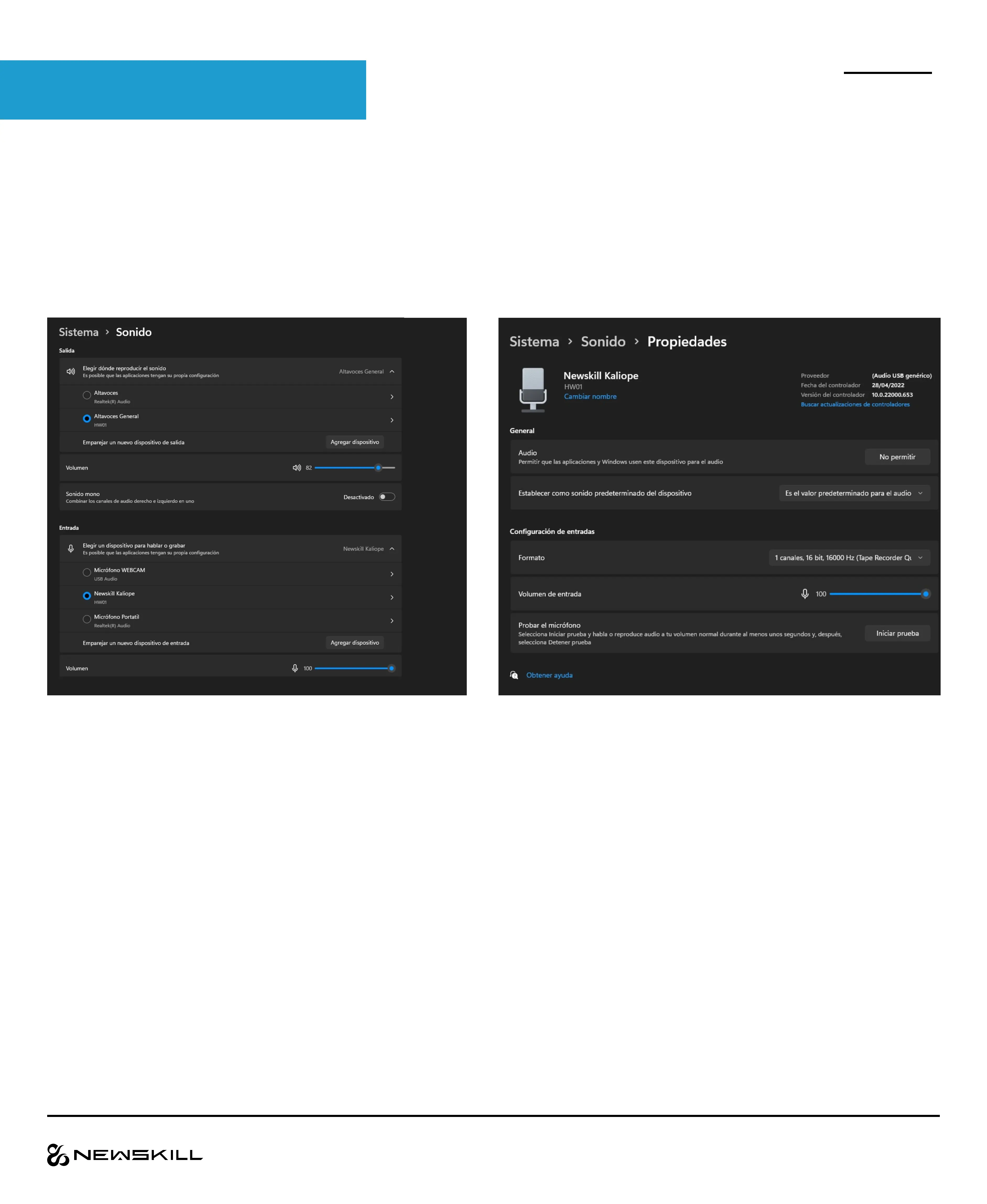
To ensure that Kaliope is configured correctly, please follow these steps
In Windows 10/11 go to System > Sound and
select Kaliope in the input section.
If we click on the right arrow we can enter the
properties and set it as default use and control the
volume (not gain) of the microphone.
INSTALLATION



 To Next Page