To verify the webcam is connected on a Mac computer,
click the Apple Menu (in the top left corner of your
screen) and then click About this Mac. Click on System
Report from the pop-up window that appears. The
System Information window for your Mac will appear.
Navigate to the USB section and check if the webcam
is listed as a connected device (like the photo below):
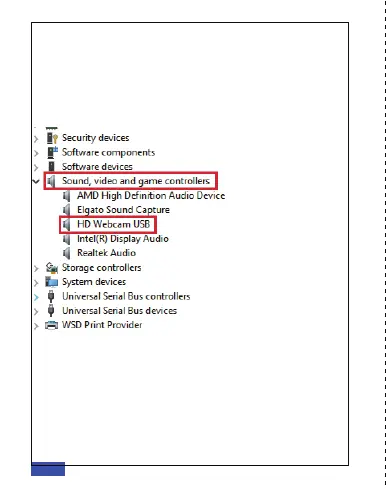
A: Connect the camera to any USB 2.0 or USB 3.0 port.
It will take a few seconds for the camera to be
recognized after it is connected to the system. To
ensure the camera has installed correctly on a
Windows computer; check under Control Panel>
System and Security>Device Manager.
EN 09



 To Next Page