12
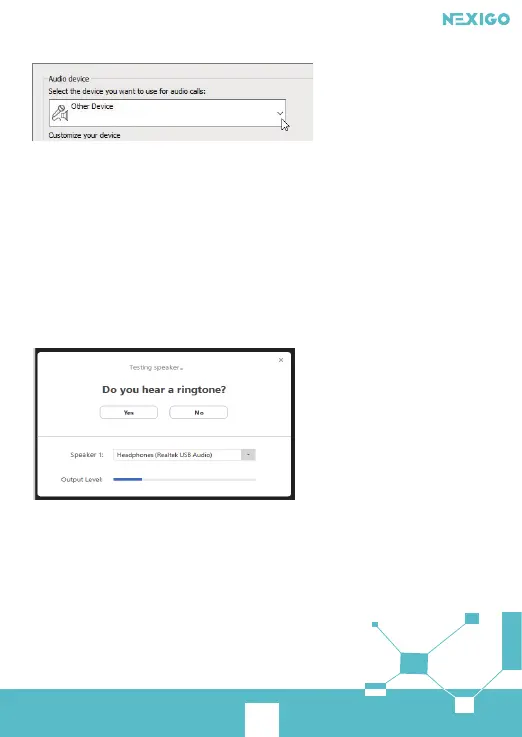
Step 2. Under Audio Device Settings choose the device you want.
HD Webcam
Step 3. Click the green arrow next to the Speaker icon to hear a sample tone, and drag the
slider if you need to adjust the volume.
Step 4. To test your microphone volume, speak into it for a few seconds. The volume is
optimal when the progress bar reaches the middle of the test area. Drag the slider
next to Microphone to adjust the microphone volume.
For Zoom
When you first join a meeting, Zoom will work to test your speakers automatically.
If you don't hear the ringtone use the drop-down menu or click No to switch speakers
until you do hear the ringtone. Click Yes to continue to the microphone test.
Next, Zoom will ensure you can be heard by others by testing your connected
microphone. Speak into the mic when prompted to do so, if you don't hear your audio
repeated back use the drop-down menu, or click No, to switch microphones until you
hear the replay. Click Yes when your microphone is set up.



 To Next Page