Q4: Why is my video not in 1080p in my video calling
application?
A: Check the video output settings in your video
capture software, these may be set to a lower capture
format. There are various constraints on the system
that could impede the ability to attain a 1080p video
calling session. They center around processing power
(i.e. CPU speed) and available network bandwidth. In
all cases, review the requirements from the video
calling application. They will guide as to the system
performance required as well as the necessary
bandwidth.
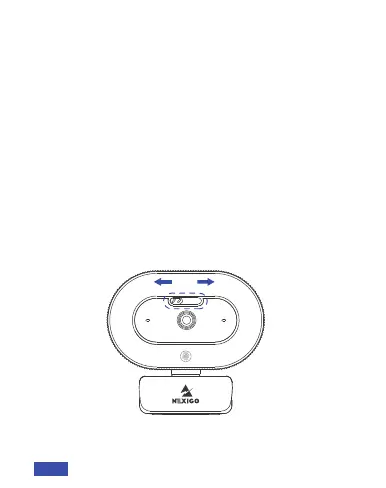
Q5: How to use the webcam privacy shutter?
Open
Close
A: Slide the privacy shutter switch left/right to open/
close the webcam as needed.
EN 15



 To Next Page