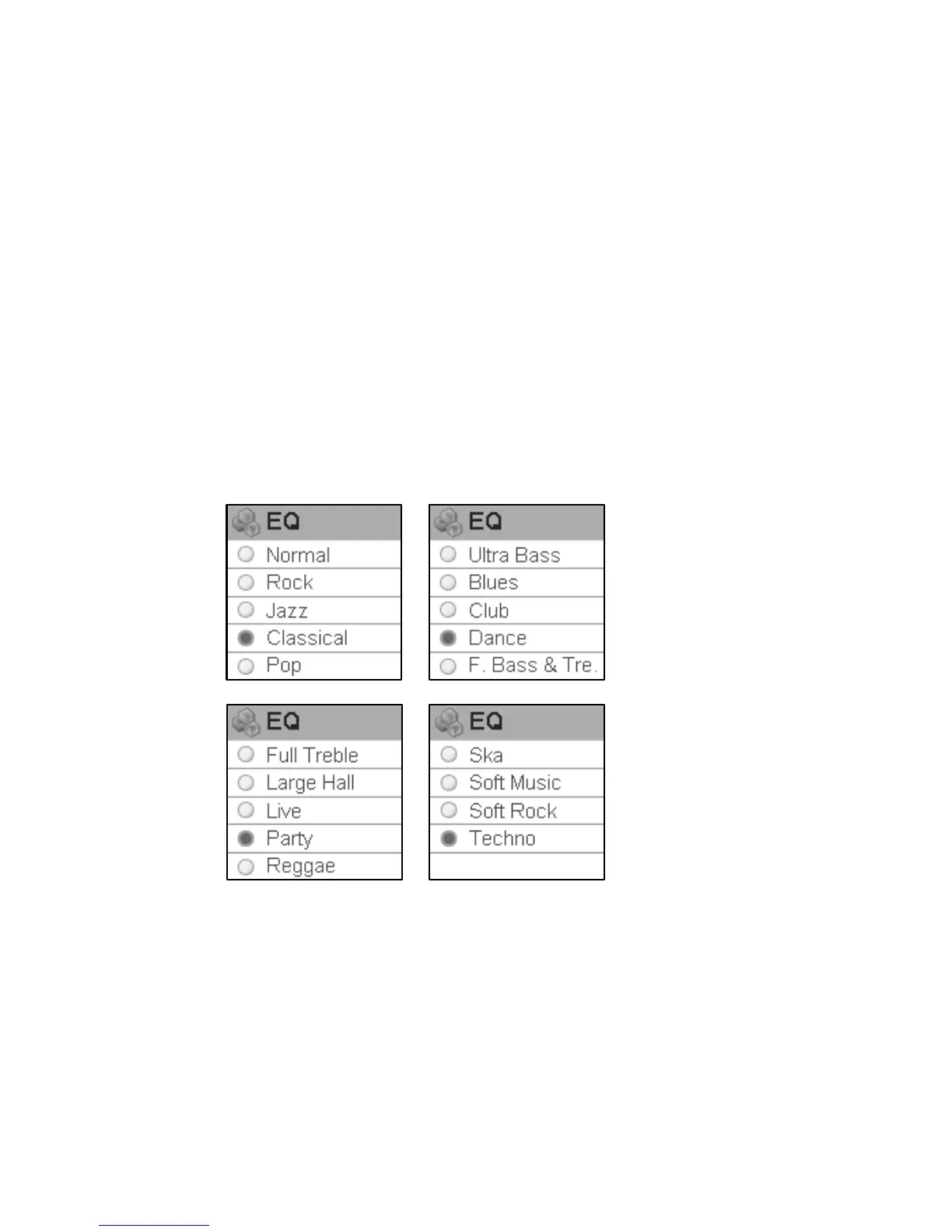
EQ
Press rewind button or fast forward button in EQ setting menu to select EQ and press play
button to confirm. Long press play button or press power button to skip this setting.
When playing music, the change of EQ can be felt in the earphone. EQ of this player includes:
Normal,Rock,Jazz,Classical,Pop,Ultra Bass,Blues,Club,Dance,Full Bass and Treble,
Full Treble,Large Hall,Live,Party,Reggae,Ska,Soft Music,Soft Rock,and Techno。
31



 To Next Page