36
A-B play mode
In music or voice play mode:
(1) Press A-B/REC button to set the starting point of repeat section A-B, and the play mode
icon AÆ will be displayed.
(2) Press A-B/REC button again to set the finishing point of repeat section A-B, and the
play mode icon AÆB will be display. The player will start repeating section AB.
(3) Press A-B/REC button for the third time to cancel the repeating of AB and the icon will
return to play mode.
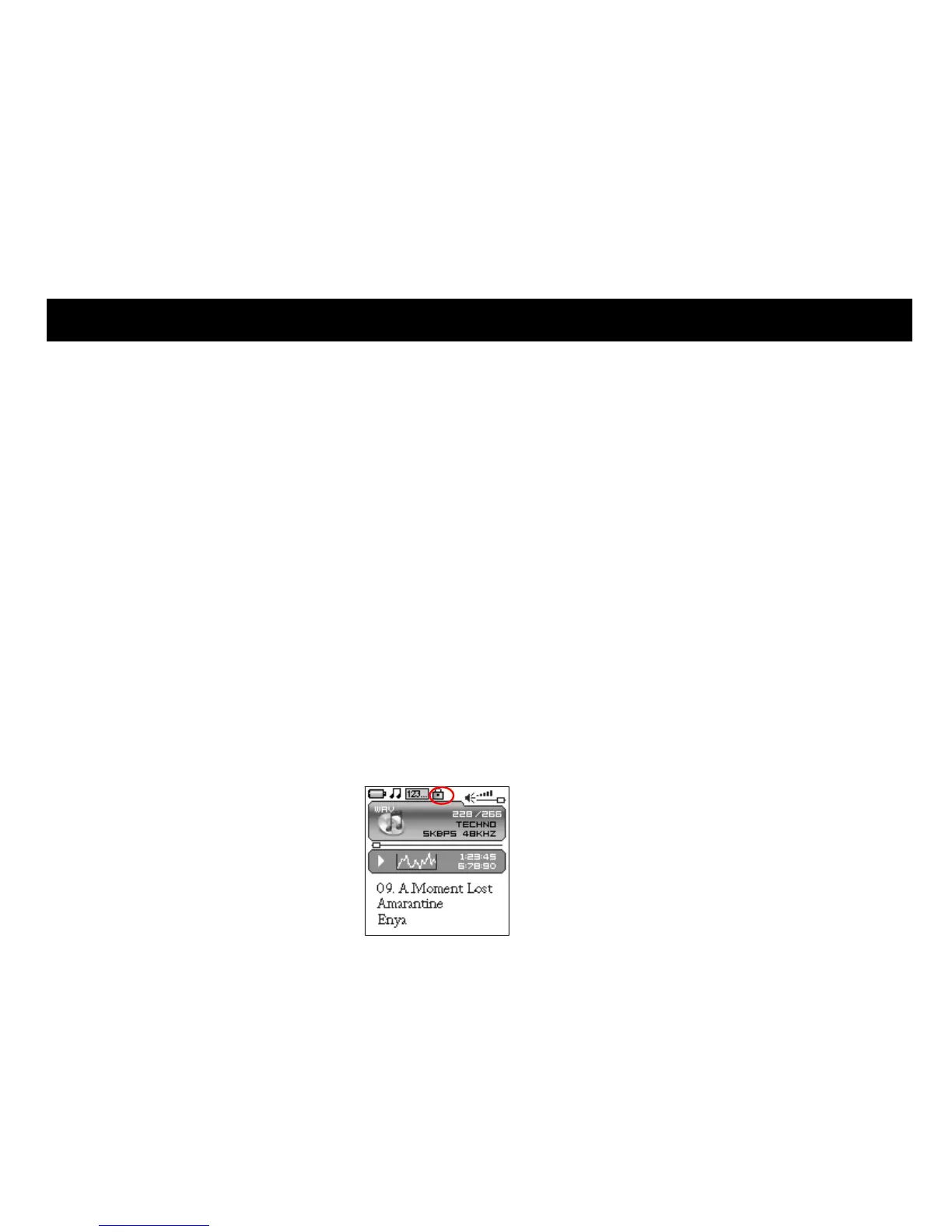
Button lock
In any state, push the lock button HOLD to the direction of the arrow to lock the button and all
button operations are invalid. In music or voice play mode, or listening to FM radio, the screen
will display a lock icon (as below figure). You have to push the HOLD button to the contrary
direction of the arrow to unlock the button before any other button operations.
10. OTHER FUNCTIONS


 To Next Page
 Loading...