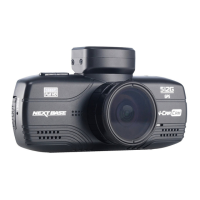
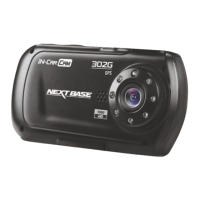
DRIVING RECORDER PLAYER
This section will guide you through the installation of the Driving Recorder Player software, designed
to enable the viewing of recorded files as well as checking journey route / GPS data (location and
speed) and G Sensor information.
Software is compatible with Microsoft Windows operating systems: XP, Vista, Windows 7 & Windows 8.
Note: This software is NOT compatible with MAC operating systems.
SYSTEM MINIMUM REQUIREMENTS:
Processor (CPU): Pentium III 500 MHz or Celeron at 800 MHz
Operating System: Windows XP, Vista, Windows 7, Windows 8
Memory: 1 GB RAM
Storage: 500Mb Internal hard drive space
CD-ROM: Tray / Slot Loader
DVD/CD-RW
Monitor/Display: 1024 x 766
Insert the supplied Driving Recorder Player disk in to the CD drive, navigate and display the contents
upon the disk:
- NBDVR302G Instruction Manual (inc. Driving Recorder Player Installation Guide)
Multiple Languages available
- NBDVR302G Driving Recorder Player for Windows (MPH)
- NBDVR302G Driving Recorder Player for Windows (KPH)
Note:
- These files are available for download from the Nextbase website: www.nextbase.co.uk, if required.
Please see following pages for step by step installation instructions.
18
11/09/2013 13:31:55 65.0MPH
Driving Recorder Player MPH Software (V2.0)


 To Next Page
 Loading...