Instructions for use
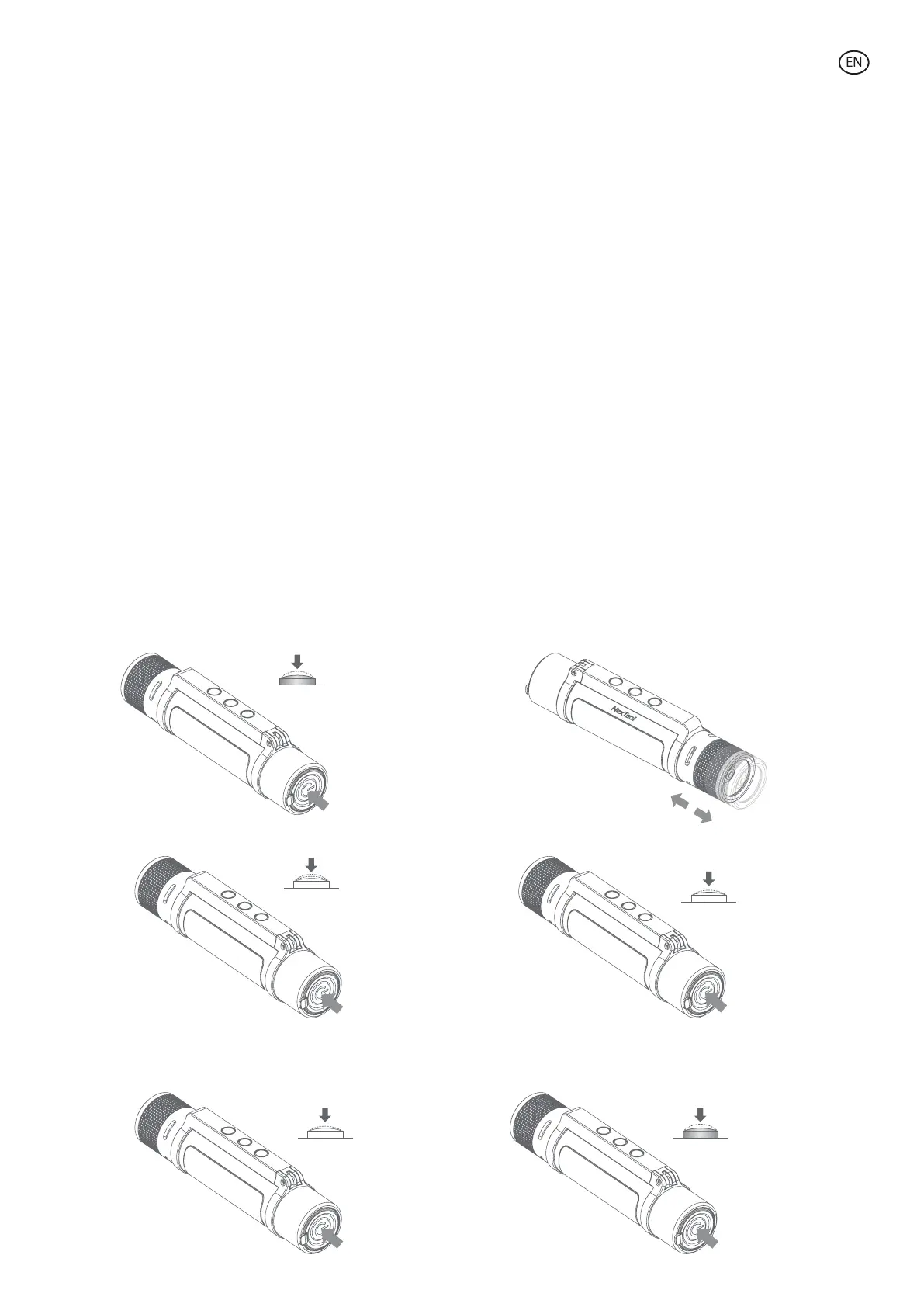
• On/O:
Press the button for 0.5s to turn on with the normal mode and press once to increase the light intensity. Press twice
to switch to Camping mode.
• Flashlight/side light mode:
Double-click fast to switch between flashlight and side light option.
• Flashlight Brightness Adjustment:
Press the button to change brightness intensity.
• Telescopic focus:
Retract or extend the head of the flashlight to switch between spotlight and floodlight.
• Side light brightness adjustment:
Whenthe side light is on, press the button to switch between dierent modes (low white light, bright white light, red
light and red and white lights with strobe eect).
• S. O. S. Mode:
Press the button for 2.5s to activate S. O. S. Mode (flashlight with strobe eect + position light with strobe eect +
buzzer alarm).
* The flashlight has a Memory function in normal mode. When you switch it on again, it will maintain the same
intensity that you have previously activated.
Pulse 0.5s
Pulse 2.5S
Doble-click
Pulse
Pulse



 To Next Page