2
SPECIFICATIONS
• Calendarwithday-of-the-weekdisplay
• Hour,minuteandseconddisplay
• 12or24-hourformat
• Crystaloscillatorfrequency:32.768kHz
• Operatingtemperaturefrom0°Cto50°C(32°Fto122°F)
• Temperaturemeasuringrangefrom-9.9°Cto50°C(14.2°Fto122°F)
• Temperatureresolution0.1°C(0.2°F)
BATTERY INSTALLATION
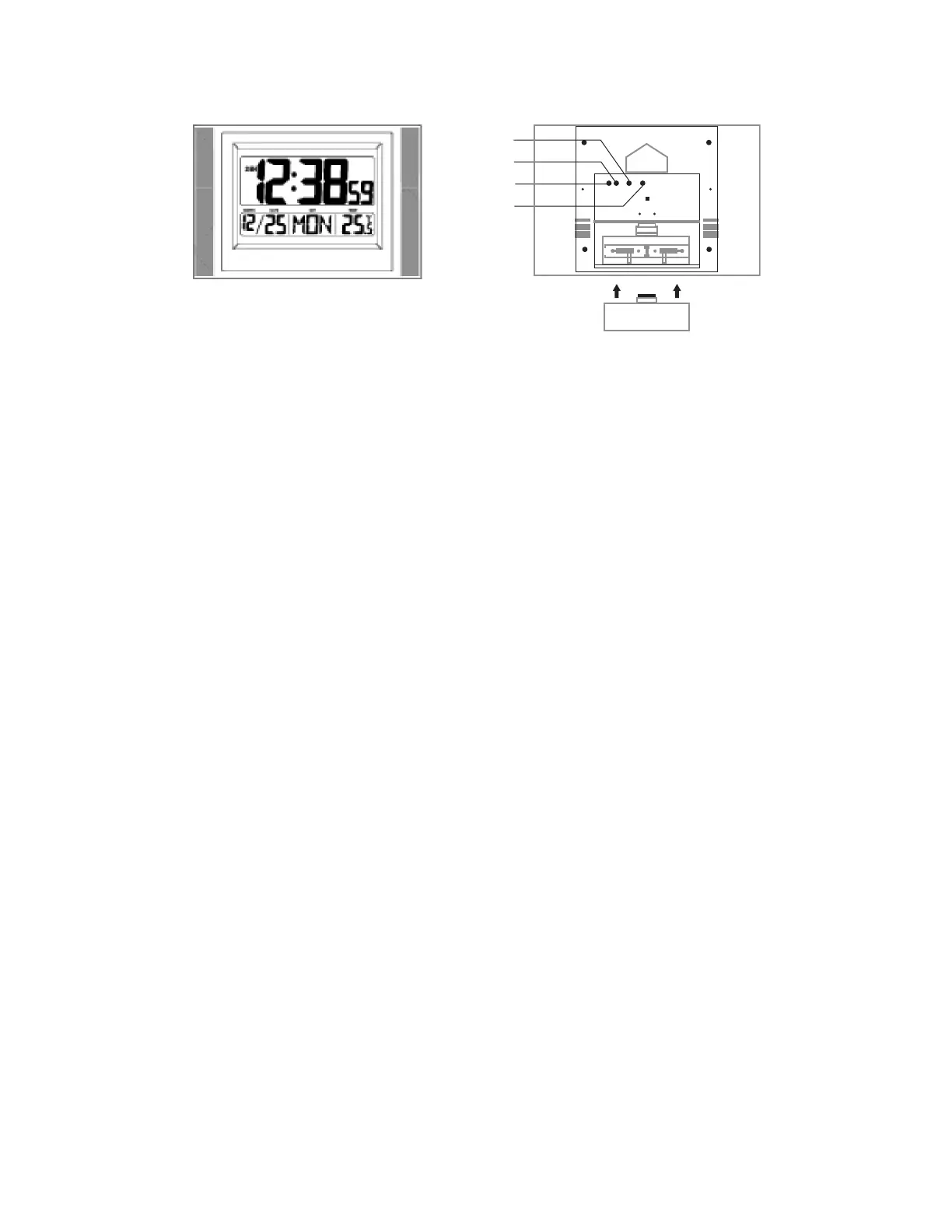
1. Liftthetabonthebatterydoorlocatedatthebackoftheclock.
2. Putinbatterieswithproperpolarity(+)and(-).
3. Closethebatterydoor.
Warning :Donotmixoldandnewbatteries.Donotmixalkaline,standard(carbon-zinc)orrechargeable(nickel
cadmium)batteries.Donottouchanyotherbuttonorsettingonyourunit.Itwillautomaticallyreceivethetimesignal
afterbatteriesareinserted.
MANUALLY SET THE CLOCK
To set the language
1. PressandholdtheSETbuttonforacoupleofsecondstoenterLANGUAGEsetmode.
2. Press(–)keyuntilyourdesiredlanguageshowsonthedisplay.
To set the calendar
1. PressSETbuttonafterLANGUAGEsetmode.
2. Press+or–buttonsequentiallytosetyear.
3. Holdingdowneither+or–buttonchangetheyearathighspeed.
4. PressSETbuttontoconrmyearsetandgotodateset.
5. Press+or–buttonsequentiallytosetdate.
6. Holdingdowneither+or–buttonchangethedateathighspeed.
SE T
RESET
+
-


 To Next Page
 Loading...