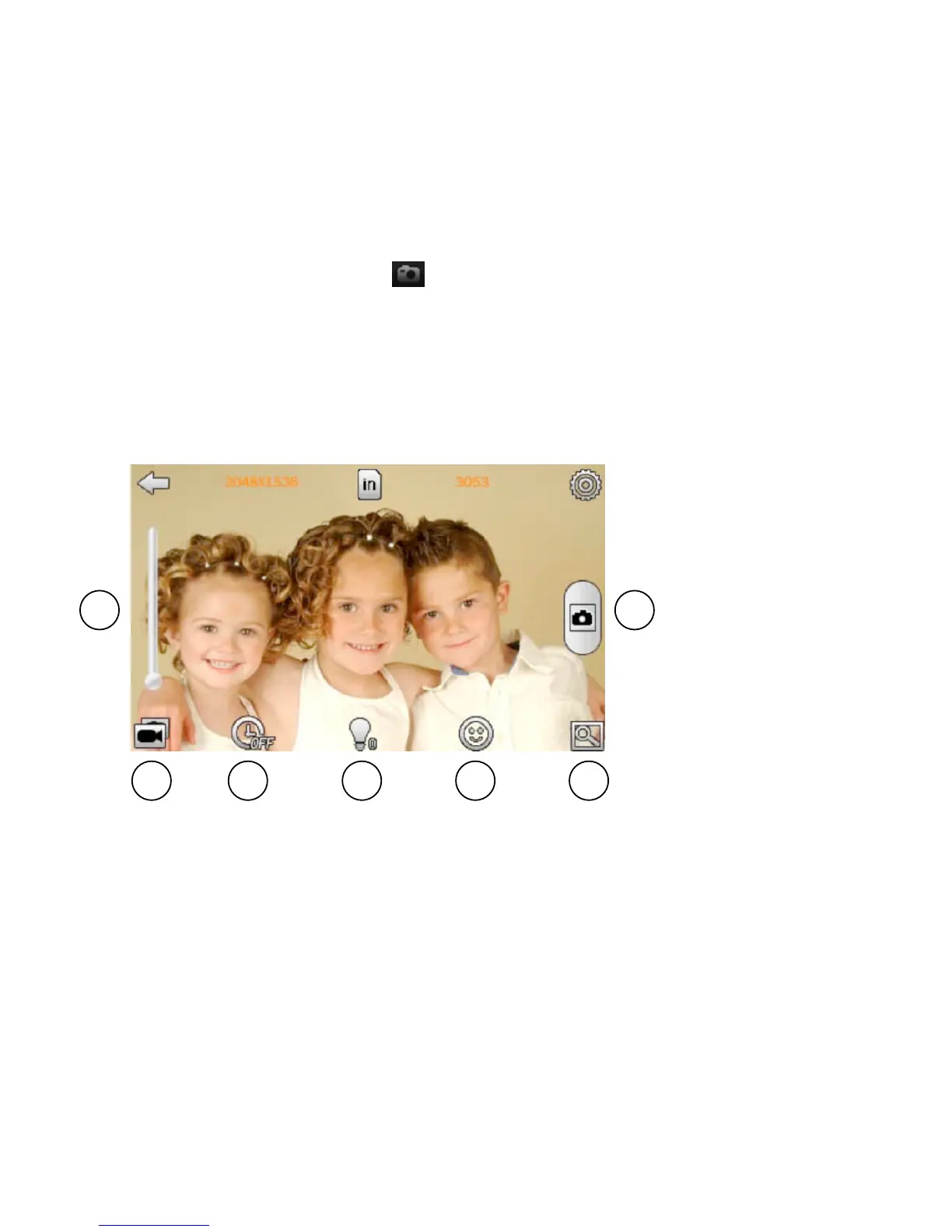
1. Briey touch the camera icon to take pictures.
2. Zoom
3. Self-timer: ff, 5 sec, 10 sec, 15 sec, 20 sec.
4. Brightness
5. Border: to add or remove one of several special effects borders
6. Browse
7. Swap: Swap between Camera and video recorder mode
Camera Submenu
In the submenu you will be to change: White Balance, Exposure Mode, Face
Detection and Special Effects
CAMERA
2
7 3 4 5 6
1



 To Next Page