On the main menu, touch the “Music” icon to enter music mode. Tap your preferred
les for playing.
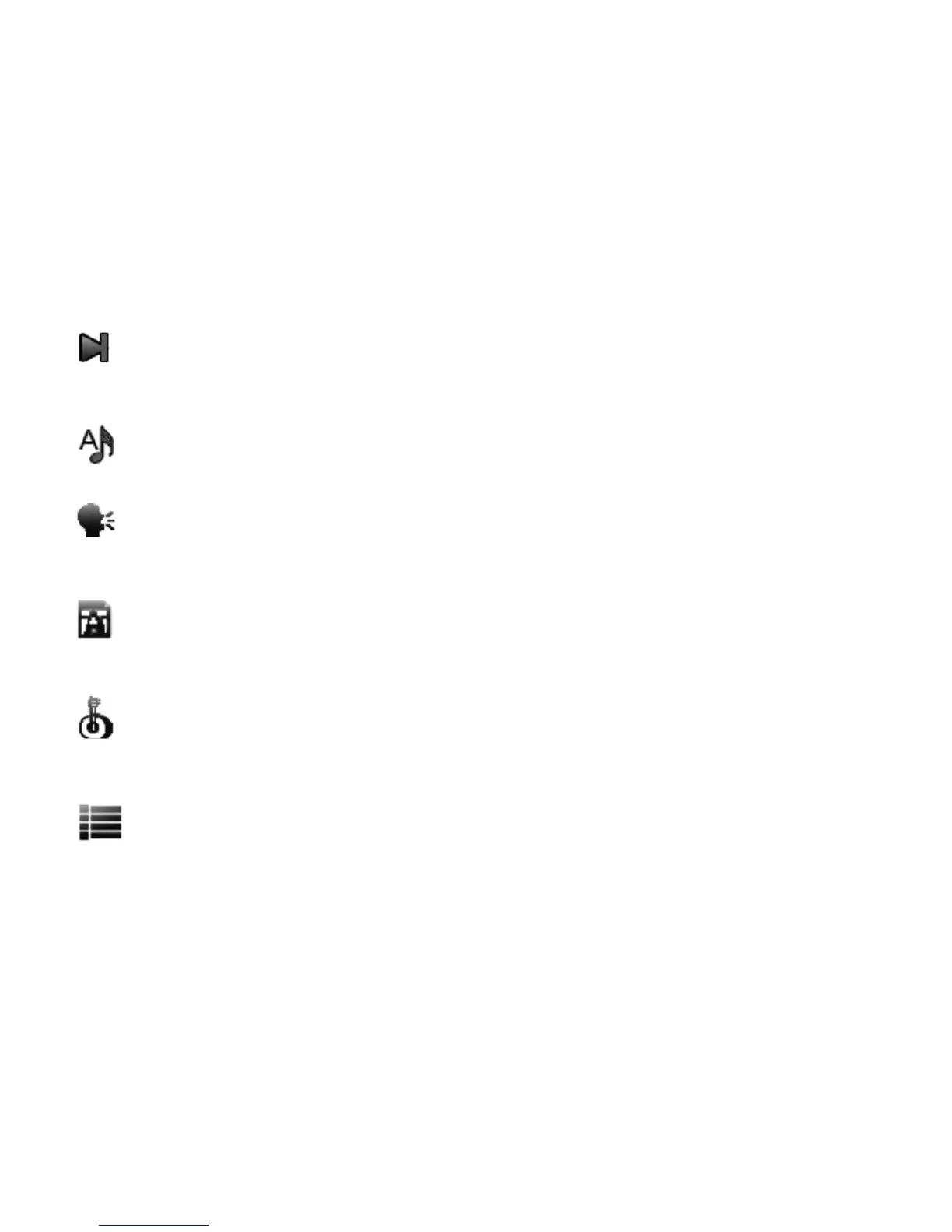
Now playing
Selecting this icon, all of the les being playing or have played will be listed out.
Items currently playing will have a speaker icon following it.
All Music
Listing all the music les loaded in the music folder on the player.
Artist
Displaying a list of Artists, when you select an artist, a list of its les will be
displayed.
Album
Displaying a list of albums loaded into the player, once an album is selected, all
les from that album will be displayed.
Genre
Displays a list of genres loaded on the player; once a genre is selected, a list of
les will be displayed.
Play list
5 recently played les will be listed here. Please note that this player will NOT
support imported play list les, such as those from windows media player or iTunes.
MUSIC



 To Next Page