2
USER’S MANUAL
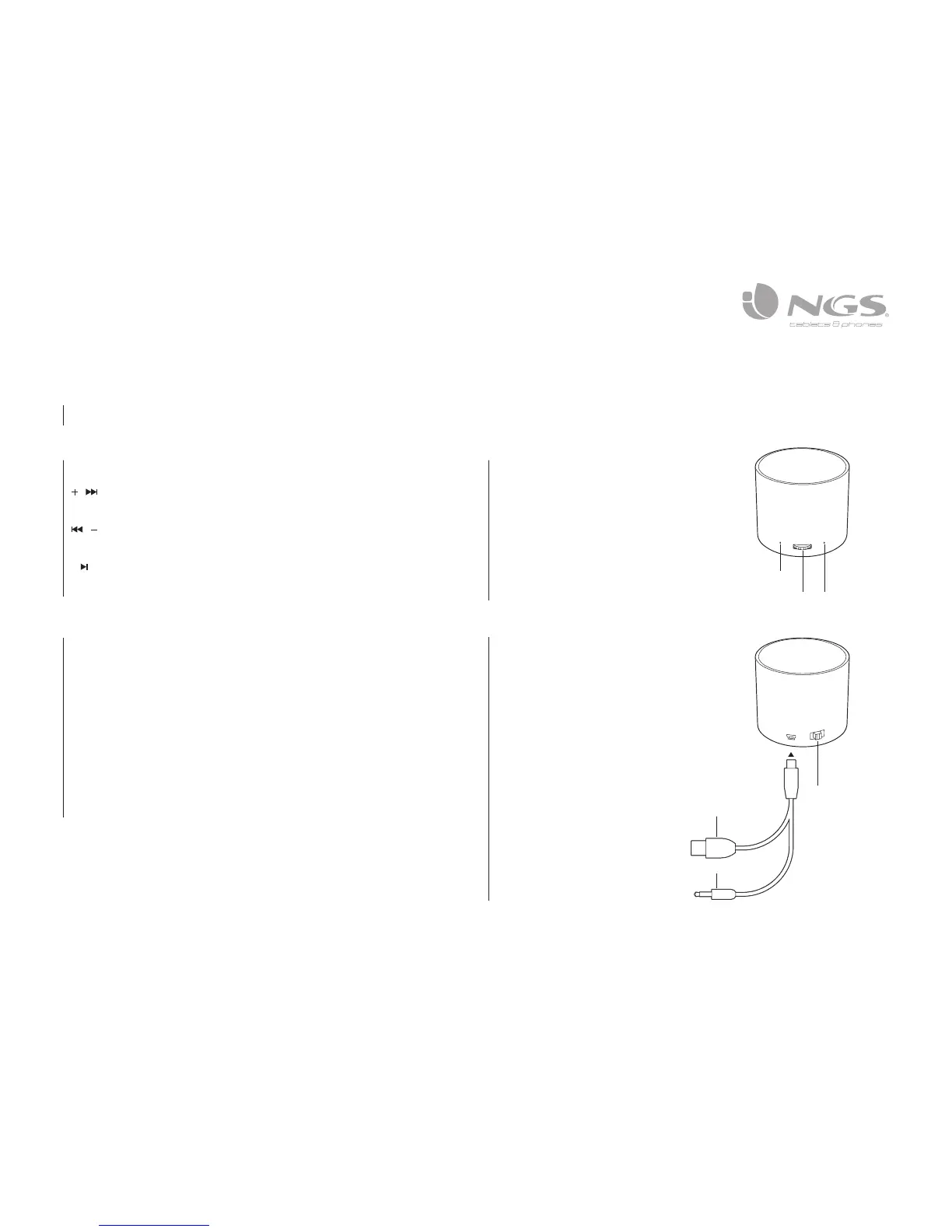
Red LED ON: Charge
Red LED OFF: Full power
Red LED flash: Low power
Blue LED flash: Bluetooth working
Welcome to use this Bluetooth stereo speaker. Please read this user’s manual
carefully before using it.
FUNCTIONS
/ In Bluetooth mode when short press this button: next song; long press:
Volume up. Don´t work in AUX mode.
/ In Bluetooth mode when short press this button: previous song; long
press: Volume Down. Don’t wor in AUX mode.
In Bluetooth mode, short press this button: Play/Pause/Answer/End/
Cancel dial/Pair. In Bluetooth mode, double click: Last number redial; long
press for 2 seconds: reject calls.
START-UP
Bluetooth mode:
1. Move switch button in Bluetooth position. Red/blue blinking Led implies the
device can be detected by other devices.
2. Use the bluetooth player device (smartphone, MP3, tablet, computer) to
search for NGS ROLLER TRICK device and couple.
Aux mode:
1. Move switch button in AUX position.
2. Connect cable miniusb-jack 3.5 mm cord to the speaker and to the player.
3. Play your music from the player (smartphone, MP3, tablet, computer).
FLASHING INSTRUCTION
JACK INSTRUCTION
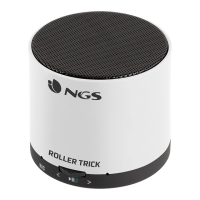
Multifunction Button
Microphone
LED
ON/OFF
USB charging port
AUX input interface


 To Next Page