3
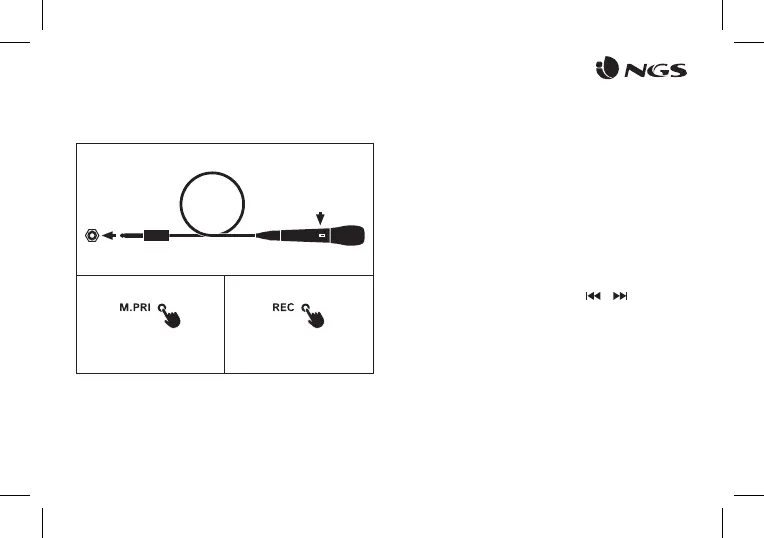
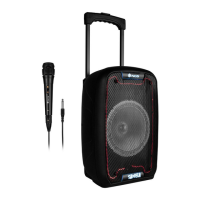
KARAOKE / MIC
USB CARD PLAYING
Connect
microphone
cable
1
2 3
Turn ON
microphone
Press and hold for 2 seconds Press for record voice*
*USB memory necessary
AUX IN
When the audio cable is connected, you can connect the device
with the external multimedia audio sources through the port
“AUX”. After connection, just set the mode to LINE by pressing
the “Mode” button on the device. At this time, de indicator LINE is
illuminated, suggesting the device can play the audio les from
multimedia sources like PC, mobile phone, MP3 and MP4, etc.
When power ON the product, if USB card inserted, it can play
the MP3 format music from the USB. Press / buttons to
select the song you want. Press the play / pause button to pause
/ resume the music.


 To Next Page