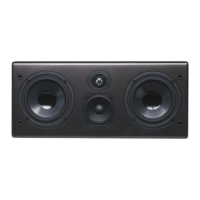
Note when using methods #2 and #3: Some
Surround Processors and AV Receivers offer an
additional LFE/Subwoofer setting, often referred
to as “Extended Bass” or “Reinforced Bass”. If
your equipment offers this option we strongly
recommend that you do not select it. The X1
processor will automatically sum the LFE chan-
nel with the left and right subwoofer information.
Method 3
Integrating the X1 into your surround system is
simple and straightforward when using this con-
nection method. Your AV Receiver will control
all crossover functions and the X1 will control
gain, phase and boundary equalization (see 8.3
below).
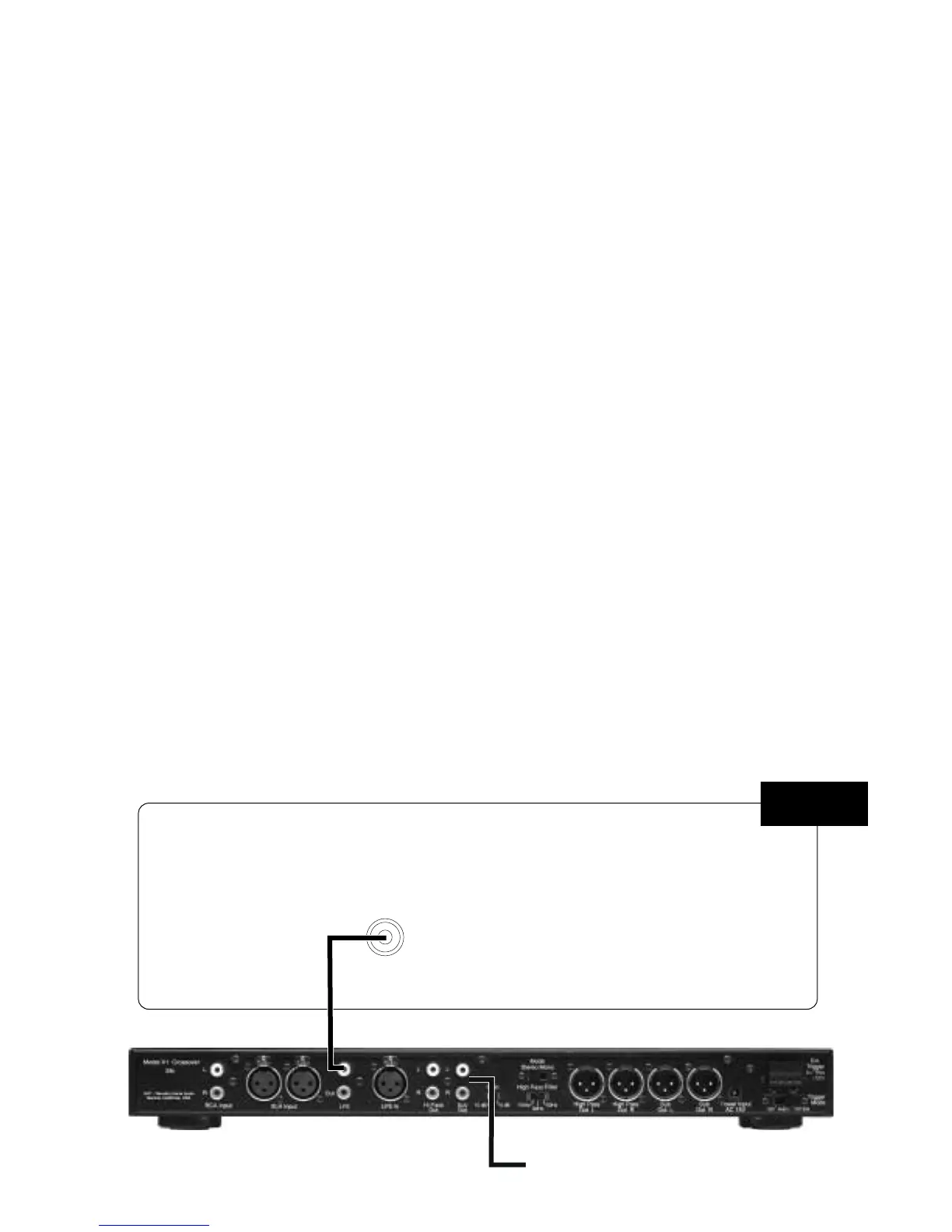
Connect the Subwoofer/LFE Output on your AV
Receiver to the LFE IN on the X1 active
crossover.
Method 3 - Recommended Surround Settings
We recommend setting the speaker size in your
processor or receiver to “small” when using
either the M5 or M6 monitors. The “small” set-
ting will prevent low bass frequencies from
reaching the Monitors. The removal of the low
bass will make integration of the Monitors with
your Evolution subwoofer easier and has the
additional benefit of increasing the Monitor’s
dynamic range and power handling capability.


 To Next Page
 Loading...