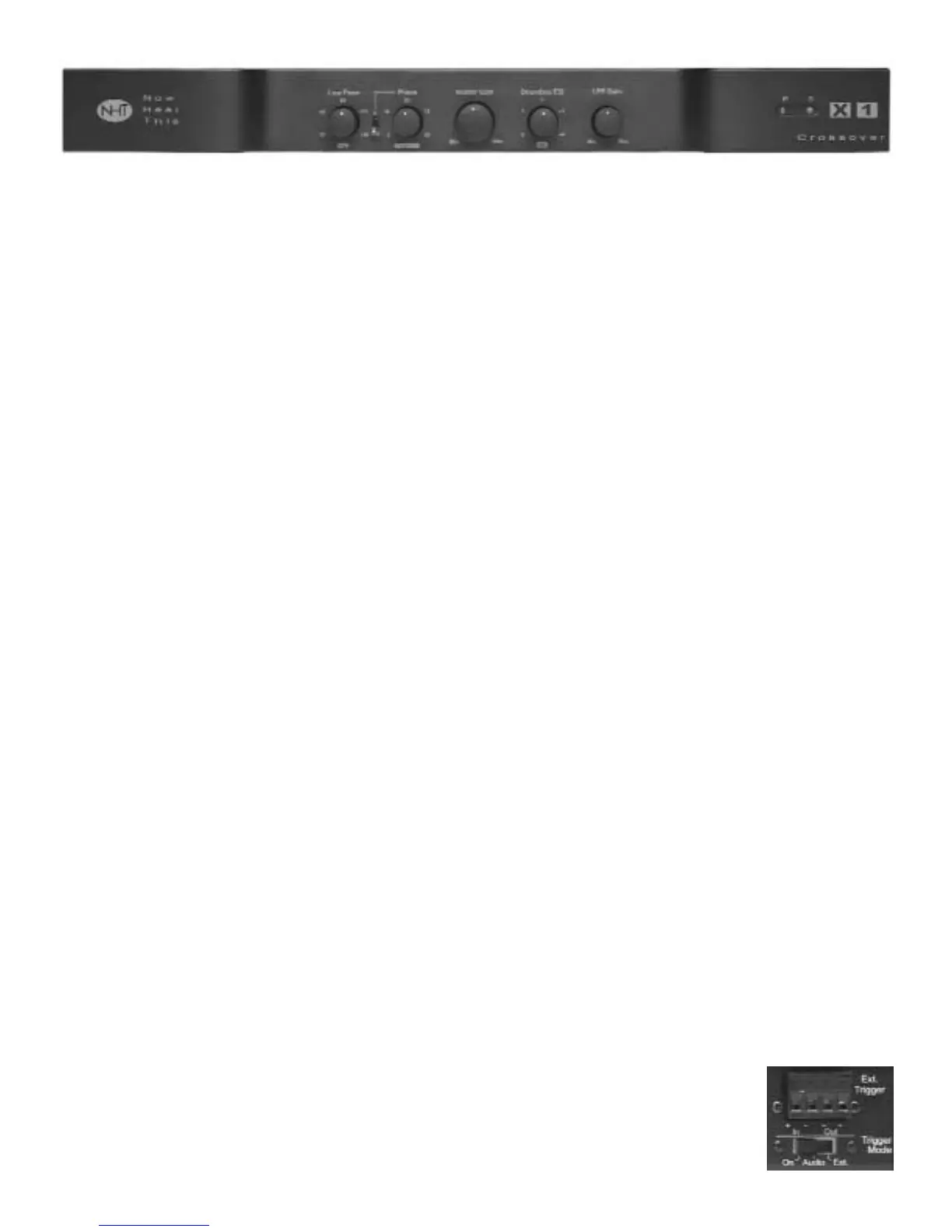
8.0 X1 Active Crossover
8.1 Design
The NHT X1 active crossover is designed to
provide convenient front-panel adjustment of the
controls necessary to integrate the Evolution
subwoofers with Evolution Monitors or other
satellites. It also provides unbalanced RCA and
balanced XLR inputs and outputs for connection
with all types of receivers or separate audio
components.
NOTE: The X1 contains special equalization
circuitry specifically designed for Evolution sub-
woofers and tower bass modules only. It is not
recommended with non-Evolution subwoofers.
The X1 Active Crossover can operate as either
a mono (single channel) or stereo unit (dual
channel). In the stereo mode, you may add an
additional subwoofer without purchasing an
additional crossover. Two subwoofers can be
used for stereo bass (which is desirable for
music reproduction) or for additional mono bass
reinforcement (for movie soundtracks).
Note: Do not use both the unbalanced (RCA)
and balanced (XLR) inputs at the same time.
The unbalanced (RCA) and balanced (XLR) out-
puts are buffered separately and may be used
simultaneously.
8.2 Placement
The X1 Crossover may be used on a shelf, or in
a standard 19" equipment rack using the option-
al rack ears and hardware. See section 10.3 for
instructions on rack mounting.
Ideally, the X1 should be placed in close prox-
imity to the receiver or surround processor.
Minimizing cable lengths reduces the chance of
noise contamination. If long runs (more than 20
feet) of signal cables are required, we recom-
mend using the balanced (XLR) inputs and out-
puts on the crossover.
If you are using the X1 in combination with the
Evolution A1 amplifier, we recommend that you
place the X1 underneath the A1 amplifier. Or, in
a stereo configuration, place the X1 between
two A1 amplifiers. The A1's are equipped with
lamps under the front edge, which illuminate the
X1 controls. See section 9.2 for more detail.
8.3 X1 Features and Controls
This section describes the various controls and
functions of the X1. Make sure that your X1 con-
trols initially are set as described in Section 7 for
your Evolution model before continuing.
Power/Standby Mode (Rear Panel)
Your X1 crossover does not have a power
switch but has been designed with the ability to
turn on and off under various conditions. There
are three methods for activating the X1.
On the rear panel of the X1 is a 3-position switch
that determines the trigger
mode:
1) On; the X1 is always
on.
2) Audio; the X1 will auto-


 To Next Page
 Loading...