18
RO
CONTINUT
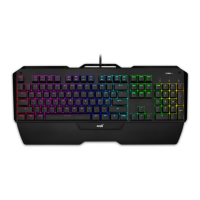
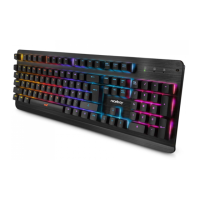
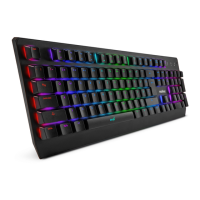
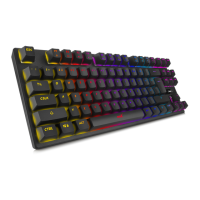
Tastatura Niceboy ORYX K300X
Manual
INSTALARE
Dupa despachetare conectati tastatura la calculator cu ajutorul conectorului USB. In cazul in
care tastatura nu este recunoscuta, controlati actualizarea USB driverului in calculatorul Dvs.
(vericati actualizarea la producatorul PC /laptop-ului Dvs.).
COMENZI RAPIDE PENTRU MULTIMEDIA
FN + F1 = Player muzica
FN + F2 = Volum -
FN + F3 = Volum +
FN + F4 = Mute
FN + F5 = Stop
FN + F6 = Melodia anterioara
FN + F7 = Play/Pauza
FN + F8 = Alta melodie
FN + F9 = Email
FN + F10 = WEB
FN + F11 = Computer
FN + F12 = Calculator
FN+WIN-L = Lock Win & APP


 To Next Page