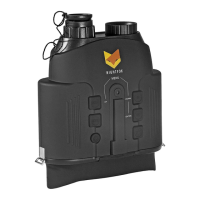
• Press the IR+ button (4) to increase the
Nightfox’s infrared LED output, and the IR-
button (5) to decrease
• A higher number will provide stronger
brightness and an increased viewing range.
There are 7 power levels
• The screen display will show your current
infrared power, with “IR1” the lowest and
“IR7” the brightest
• Use “IR0” if you are using the Nightfox
with an external infrared flashlight. This
will allow the Nightfox to pick up infrared
light, but will keep its IR LEDs switched off
• The Nightfox has a manual focus camera
lens and the picture will be blurred if not
focused
• To sharpen the image, use the focus wheel
on the bottom of the unit (7)
• Press the Zoom button (3) to zoom in at
multiple magnification levels. Once
reaching 2X, keep pressing to go back to
1X zoom


 To Next Page