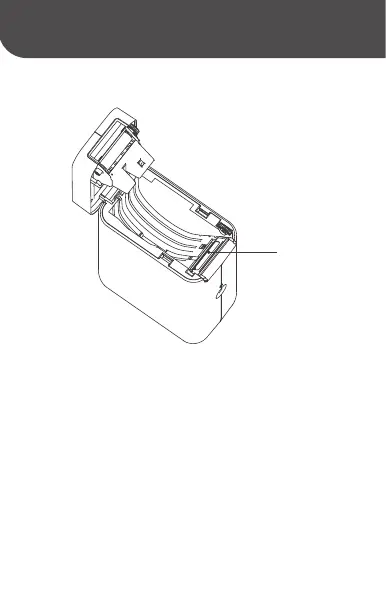
(1) Ensure the printer is powered off during daily
maintenance;
(2)Do not touch the surface of the print head with
your hands or with metal objects, and do not scratch
the surface of the print head, roller or sensor with
tweezers;
(3)Do not wipe the print head and roller with gasoline,
propanol or other organic solvents;
(4) After the alcohol has evaporated completely, turn
on the power and continue printing.
Print head
21



 To Next Page