47
9
❚❚ Choosing a Theme
A
Buffering
Buffering begins when the shutter-release button is pressed halfway
and ends after about 90 seconds or when the shutter-release button is
pressed all the way down.
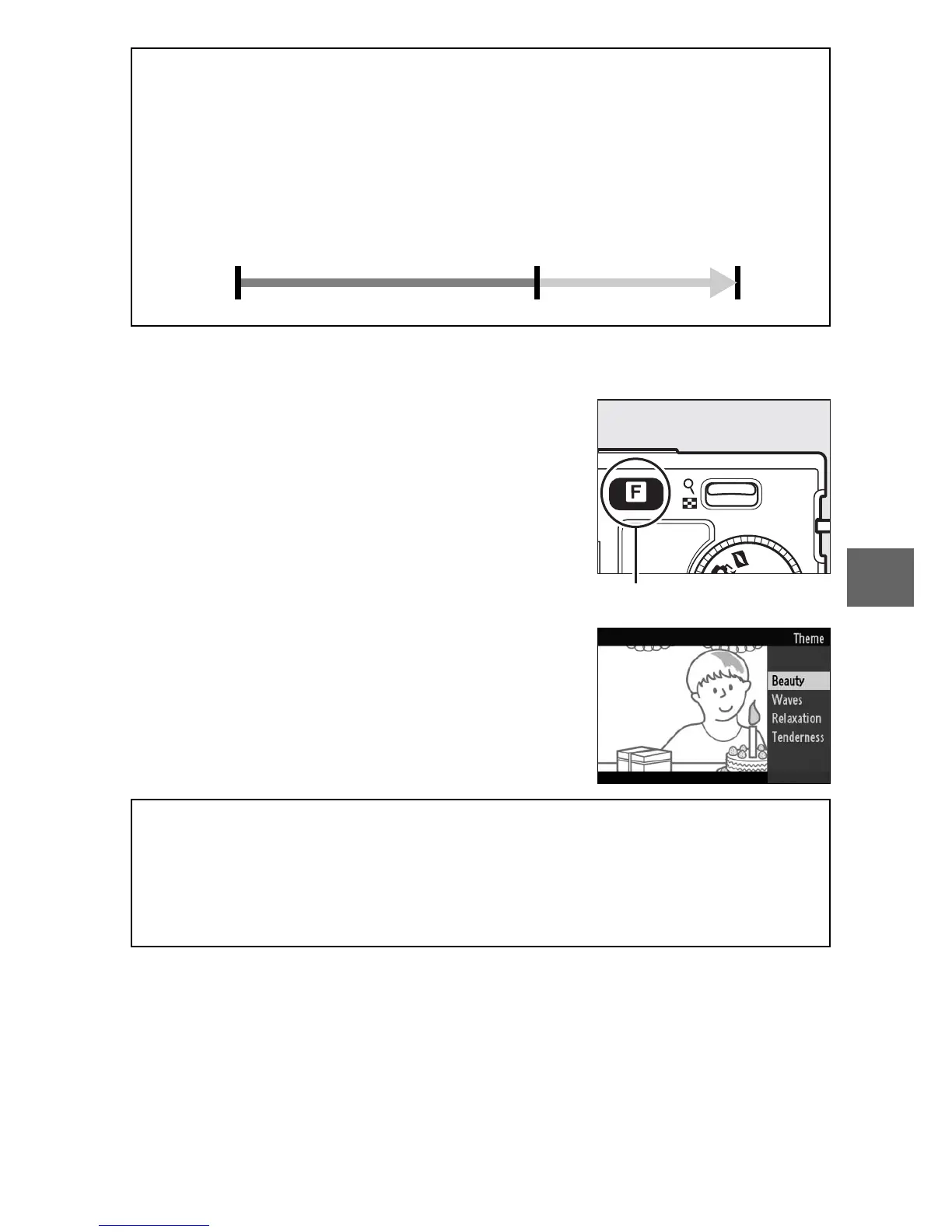
To choose the background music for the
movie, press & and use the multi selector
and J button to choose from Beauty,
Waves, Relaxation, and Tenderness.
& button
A
Motion Snapshot Mode
By default, the camera automatically chooses a scene mode appropri-
ate to the subject (automatic scene selection; 0 21). Live audio is not
recorded. Movies can not be recorded using the movie-record button
and the flash can not be used.
Shutter-release
button pressed
halfway to focus
Shutter-release button
pressed all the way
down
Shooting ends
Buffering



 To Next Page
 Loading...









