6
Before You Begin
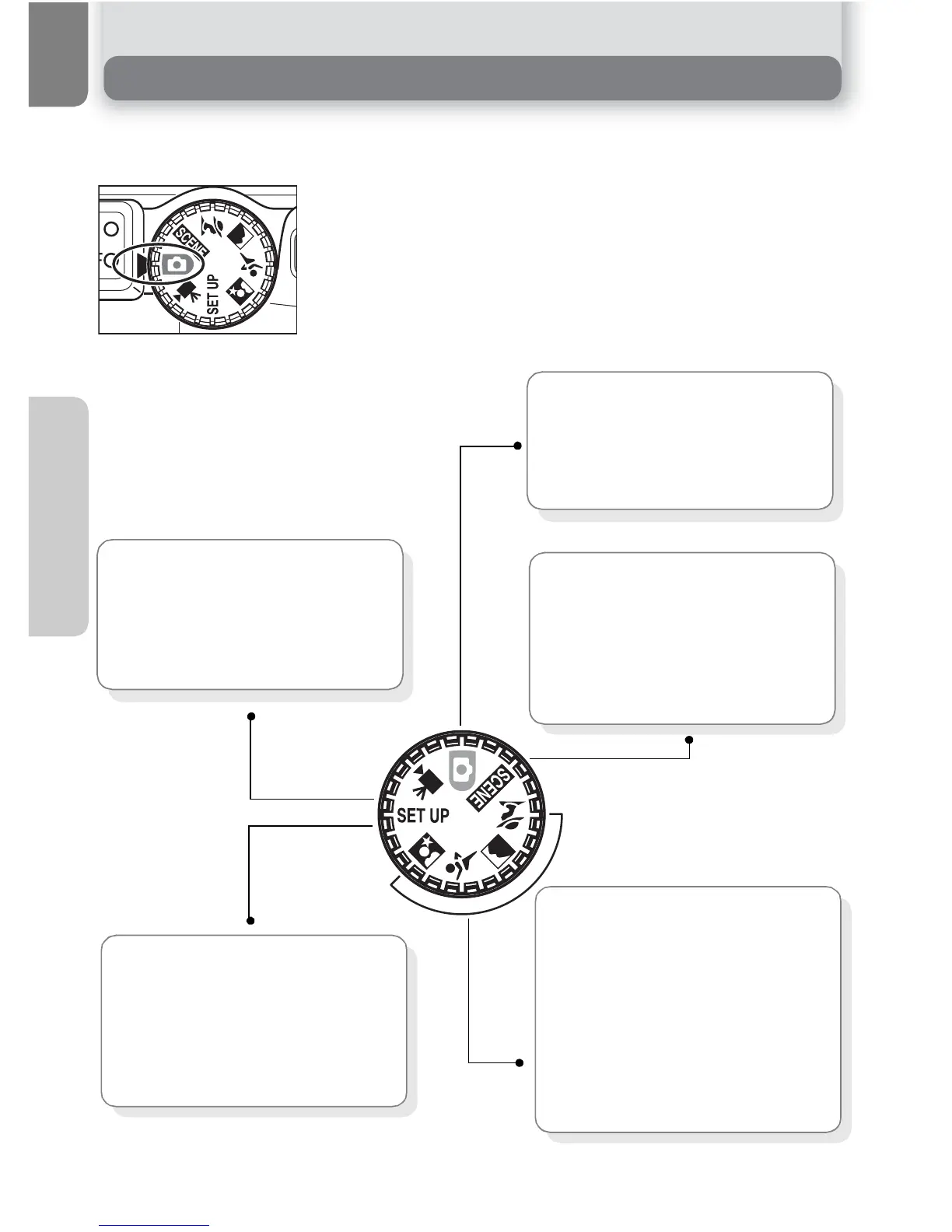
The Mode Dial
Using the mode dial, you can select from seven shooting modes and setup mode.
Choose a shooting mode according to shooting conditions.
To select a mode, align the mode icon with the "J" mark
next to the mode dial.
e Scene (Q 28, 35)
Choose from twelve "scenes"
suited to different subjects or
shooting conditions and let the
camera do the rest.
i Portrait Assist
N Landscape Assist
j Sports Assist
m Night Portrait Assist
Use framing assist to help compose
pictures suited to a particular type
of subject (
Q
28-34).
P Auto (Q 16)
Choose this mode to take pictures.
Select from six shooting menus to
achieve the desired effect.
W Movie (Q 60-64)
Choose from three kinds of movies.
Make movies with sound using the
E5600, or using E4600 for silent
movies only.
f Setup (Q 87)
Choose this mode to display the SET-
UP menu, where you can perform
such tasks as setting the camera clock
and adjusting monitor brightness.



 To Next Page
 Loading...













