7
Before You Begin
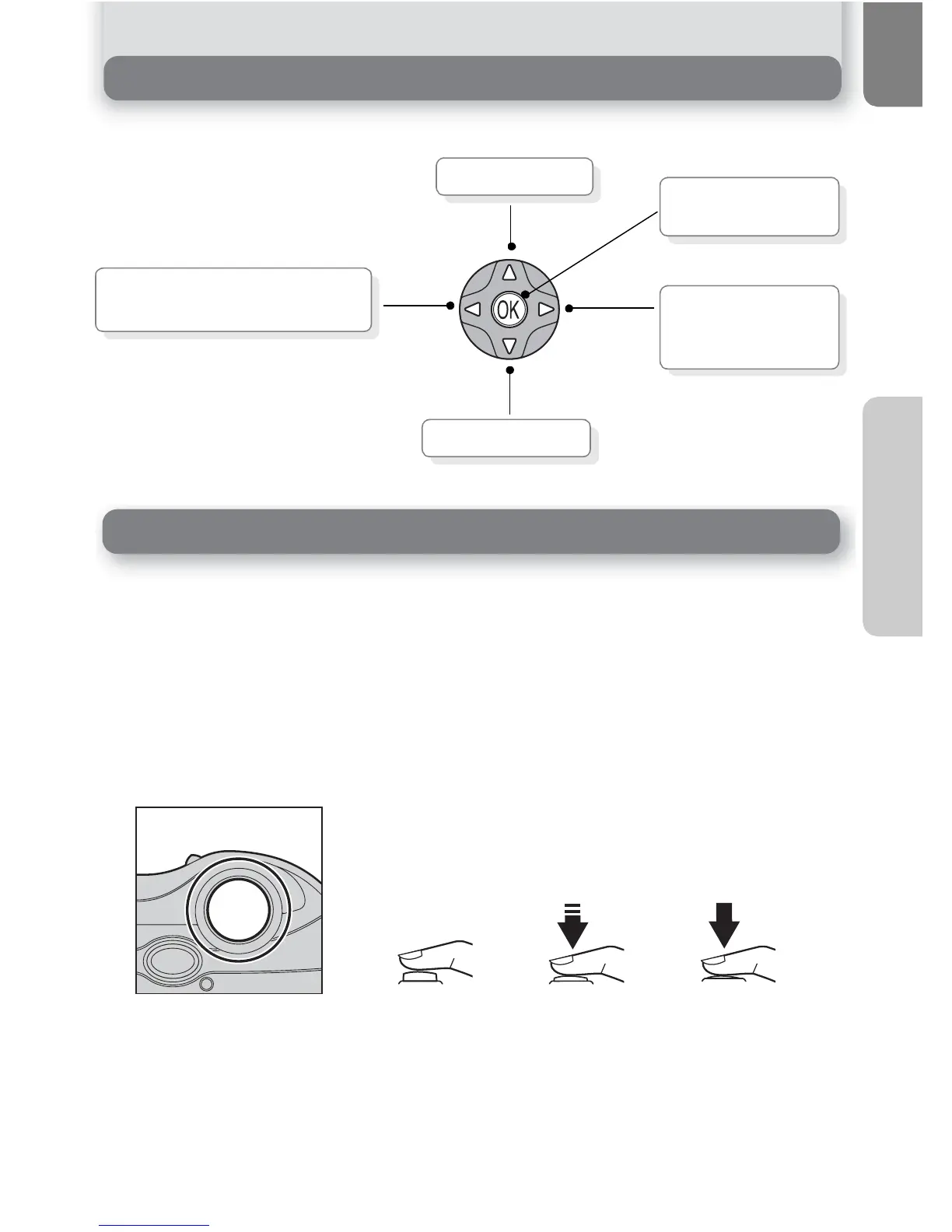
Navigating the Menus
The multi selector is used to navigate through the camera menus.
Your camera has a two stage shutter-release button. The camera sets focus and
exposure when the button is pressed halfway. The green (AF) lamp next to the
viewfinder will light when the focus operation is complete. Focus and exposure
will remain locked while the shutter-release button is pressed halfway. To take
the picture, press the shutter-release button the rest of the way down.
Move cursor up.
Cancel and return to previous
menu, or move cursor left.
Move cursor down.
Display sub-menu,
move cursor right,
or make selection.
Press center (I) to
make selection.
The Shutter-Release Button



 To Next Page
 Loading...













