79
Delete
The Playback Menu
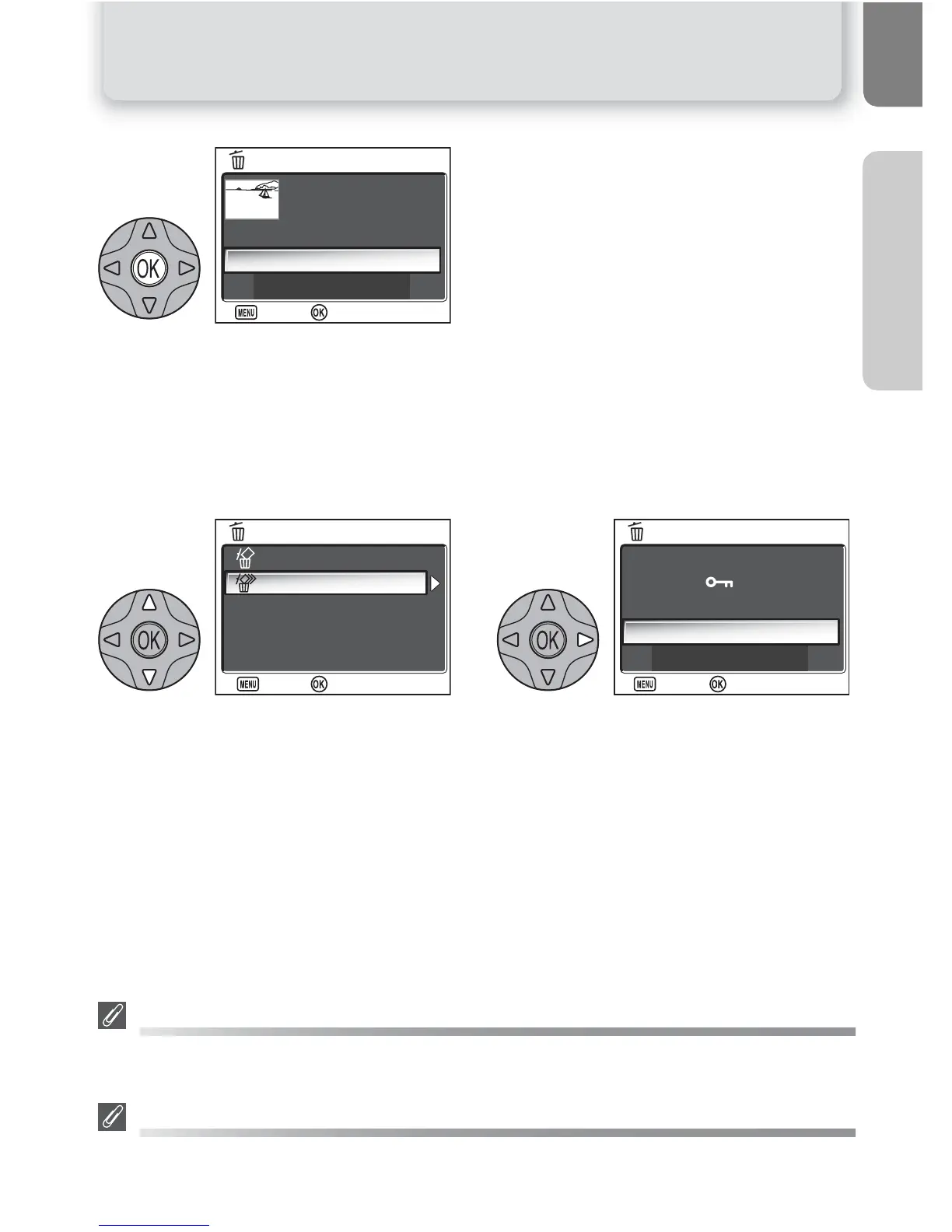
Confirmation dialog displayed. Select Yes
to delete pictures, No to exit without de-
leting pictures.
Deleting All Pictures
To delete all unprotected pictures in the memory or on the memory card:
Highlight Erase all images. Confirmation dialog displayed. Select
Yes to delete pictures, No to exit with-
out deleting pictures.
Before Deletion
Once deleted, pictures can not be recovered. Be sure that any pictures you would like to keep
have been transferred to a computer (Q 49-51).
Protected Pictures
Pictures marked with a U icon are protected and can not be deleted (Q 80).
6



 To Next Page
 Loading...













