12
Basic Shooting and Playback Operations
Basic Shooting and Playback
Operations
x (scene auto selector) mode is used here as an example. In x (scene auto selector)
mode, the camera automatically recognizes the shooting scene when you frame a
picture, making it easier to take pictures using settings that suit the scene.
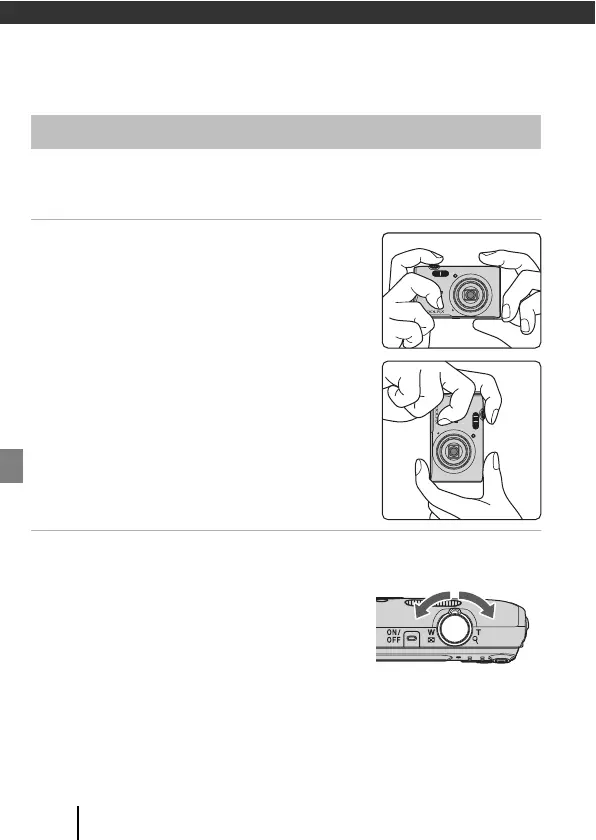
1 Hold the camera steady.
• Keep fingers and other objects away from the lens,
flash, AF assist-illuminator, microphone, and
speaker.
• When taking pictures in portrait (“tall”) orientation,
turn the camera so that the flash is above the lens.
2 Frame the picture.
• Move the zoom control to change the zoom lens
position.
Shooting Images



 To Next Page
 Loading...











