E63
Map Menu
Reference Section
View Log (View the log on a map)
Display on the map the log data saved in the memory card using Create log
(E61) to check your movement route.
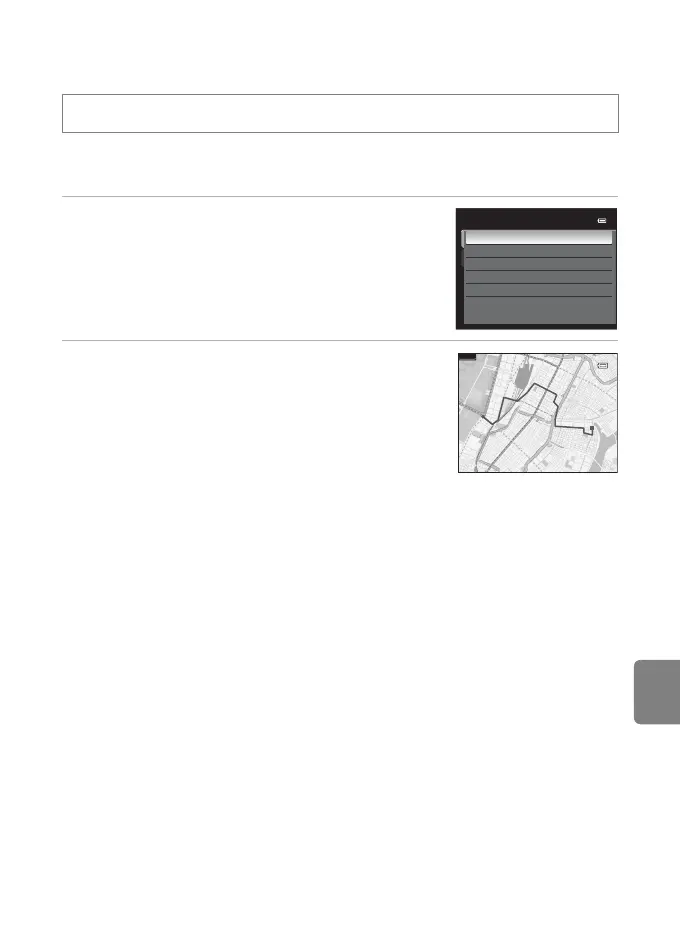
1 Use the multi selector to select the log data to
be displayed, and press the k button.
• The movement route is indicated by a blue line.
2 Check the movement route.
• To adjust the scale of the map, use the zoom button
(f (h)/g (i)).
• To move the map display, use the multi selector H, I,
J, or K.
• To erase the displayed log data, press the l button.
To Erase Log Data
To erase the log data, press the l button in step 1.
• Selected log: The selected log data is erased.
• All logs: All log data stored on the memory card is erased.
C Log Data
Log data is NMEA format-compliant. However, display in any software or on any camera is not
guaranteed.
Display a map (A88) M d button M U tab (A11) M View log
20/11/2011
26/11/2011
26/11/2011
15/11/2011
18/11/2011
View log
[1]
[2]
500km



 To Next Page
 Loading...











