E81
The Setup Menu
Reference Section
Assign Action Button
Set the function to be performed when the action button (A13) is pressed.
Reset All
When Reset is selected, the camera settings are restored to the default values.
Pop-up Menu
Scene Mode
Special Effects Mode
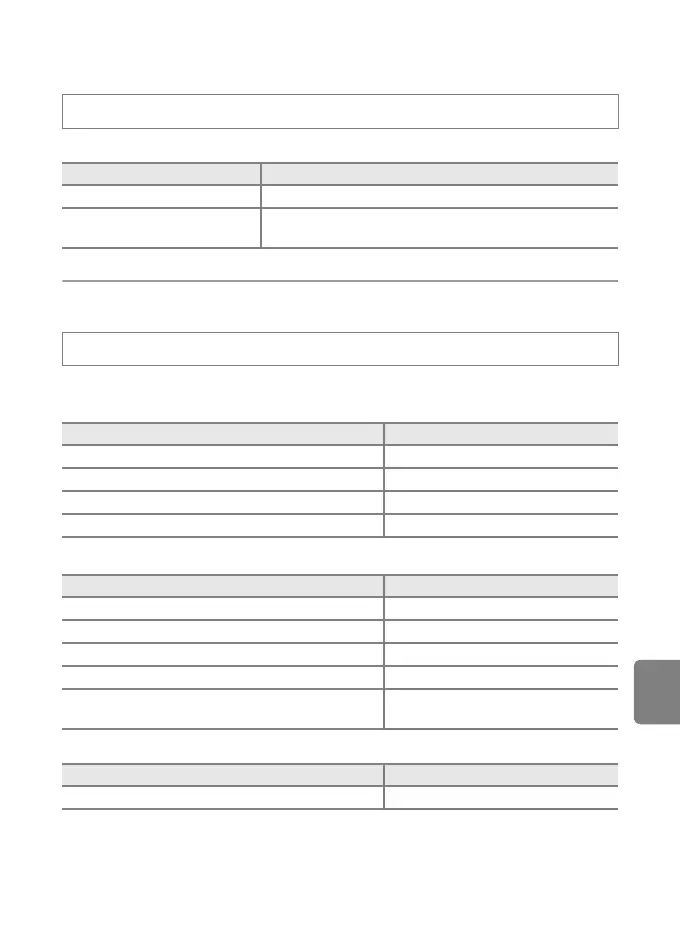
Press the d button M z tab (A11) M Assign action button
Option Description
Display map (default setting) Display a map (A13).
Action control
Operate the function by shaking the camera (action
control).
Press the d button M z tab (A11) M Reset all
Option Default value
Flash mode (A54) Auto
Self-timer (A56) OFF
Macro mode (A57) OFF
Exposure compensation (A58) 0.0
Option
Default value
Scene (A39) Portrait
Hue adjustment in Food mode (A43) Center
HDR in Backlighting (A44) Off
Panorama (A45) Normal (180°) in Easy panorama
Pet portrait (A46)
Pet portrait auto release: ON
Continuous: Continuous
Option Default value
Special effects (A47)
Soft



 To Next Page
 Loading...











