6
Parts of the Camera
Parts of the Camera and Basic Operations
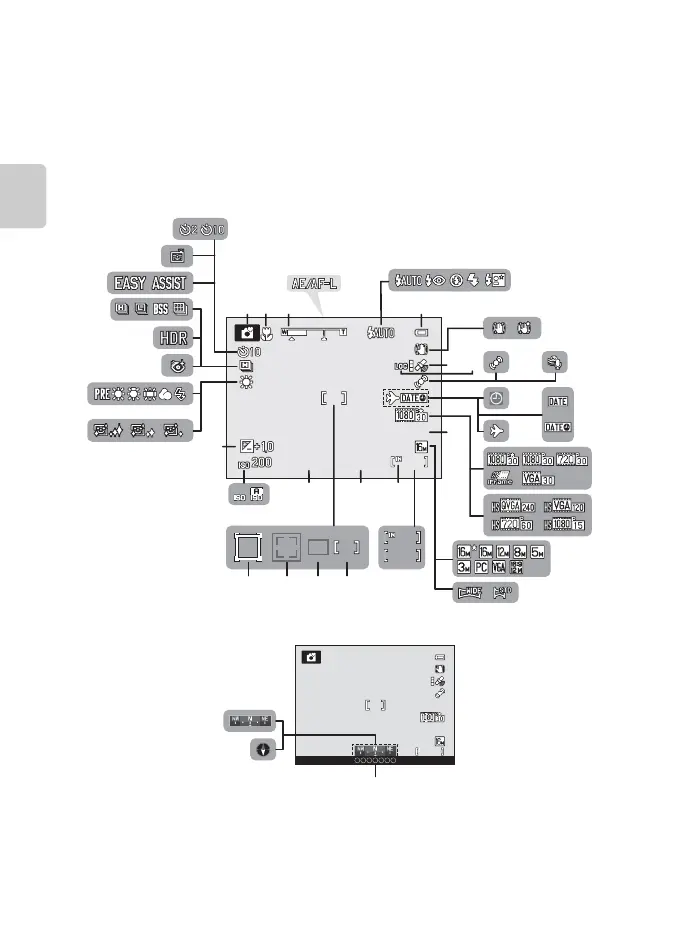
The Monitor
• The information that is displayed on the monitor during shooting and playback
changes depending on the camera’s settings and state of use. Information is
displayed when the camera is first turned on and when you operate the camera,
and turns off after a few seconds (when Photo info in Monitor settings
(A94) is set to Auto info).
Shooting Mode
1/250
999
999
F3.9
F3.9
29m 0s
29m 0s
1/250
999
999
9999
9999
28
20
26 25 24 23
27
29
2122
3
4
2
1 6
5
18
15
16
89
17
37
36
31
33
32
35
30
12
10
7
11
13
14
34
19
29m 0s
1 342
40
38
39



 To Next Page
 Loading...











