50
Auto Mode
More on Shooting
Shooting Menu (Auto Mode)
While shooting in A (auto) mode (A 48), the shooting menu contains the
following options.
Displaying the Shooting Menu
Press A in shooting mode to display the shooting-mode selection menu and set
the shooting mode to A (auto) mode (A 48).
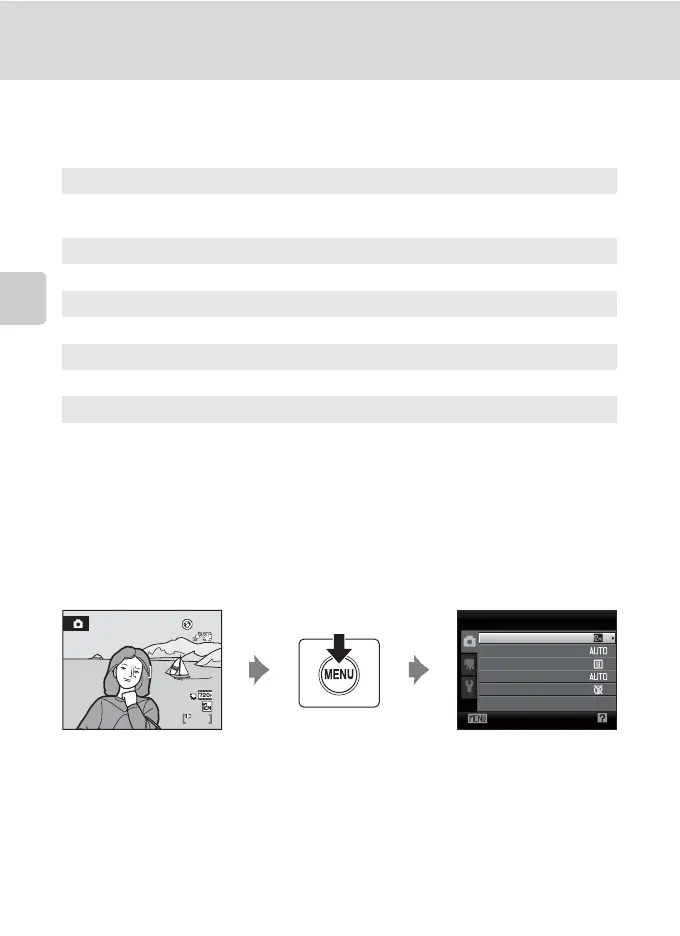
Press d to display the shooting menu.
• Use the multi selector to choose and apply settings (A 11).
• To exit the shooting menu, press d.
A Image mode A 51
Choose image size and quality (compression).
Also available when using other shooting modes.
B White balance A 53
Match white balance to the light source.
C Continuous A 55
Change settings to Continuous or BSS (best shot selector).
E ISO sensitivity A 56
Control the camera’s sensitivity to light.
F Color options A 57
Make colors more vivid or save images in monochrome.
14
Exit
Shooting menu
Image mode
White balance
Continuous
ISO sensitivity
Color options
B Camera settings that cannot be applied at the same time
Some functions may not be set at the same time (A 58).



 To Next Page
 Loading...











