22
Basic Photography and Playback: L (Auto) Mode
Step3 Focus and Shoot
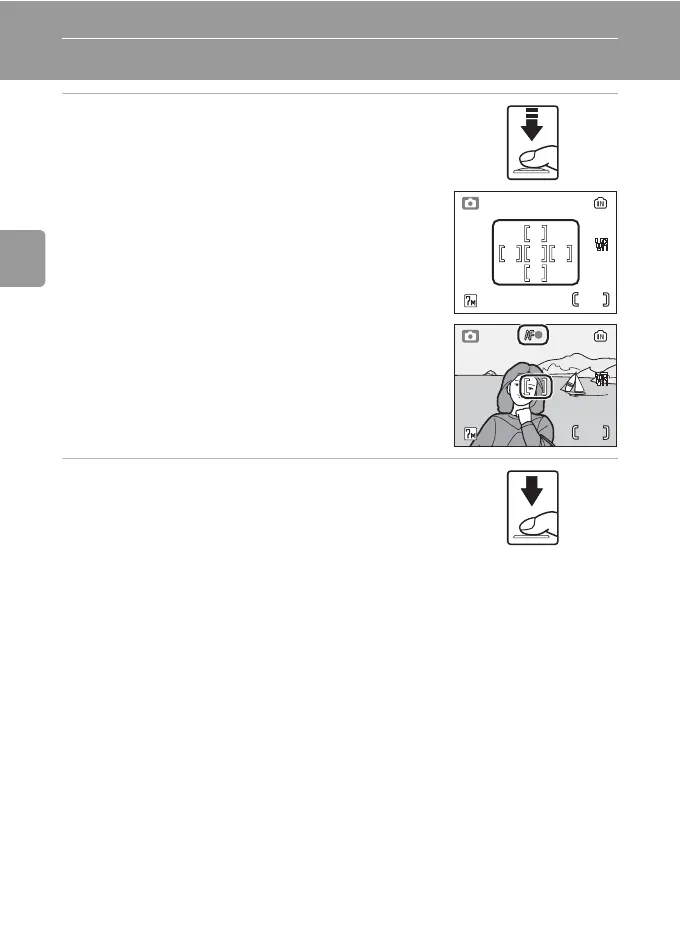
1 Press the shutter-release button halfway.
• The camera focuses on the subject positioned
within the active focus area. By default, the camera
automatically chooses the focus area (one of five)
containing the subject closest to the camera.
• When the subject is in focus, the focus indicator
(p) is green. When the camera is unable to
focus, the focus indicator blinks red. Change the
composition and try again.
• When digital zoom is in effect, the focus area is not
displayed.
2 Press the shutter release button the rest
of the way down to take the picture.
• The shutter will be released, and the picture will be
recorded to the memory card or internal memory.
• Note that the flash may fire if the subject is poorly
lit.
44
44



 To Next Page
 Loading...











