34
Scene Assist Modes
Selecting Scene Mode: b Scene Mode
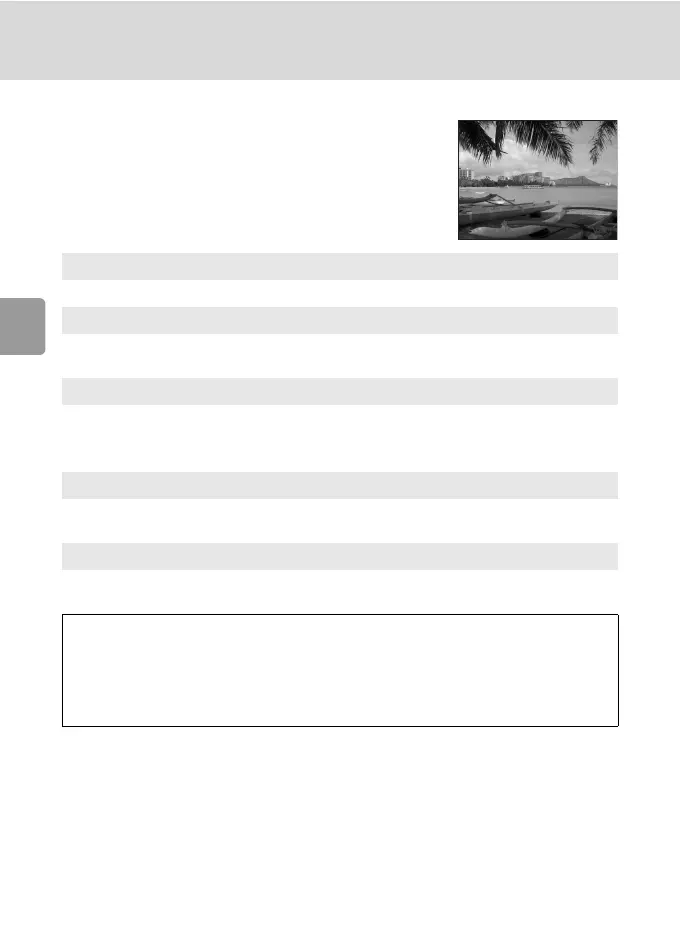
E Landscape Assist
Use this mode for vivid landscapes, cityscapes, and
portraits featuring a landmark in the background.
* Focus indicator (c 22) is always displayed in green when the shutter-release button
is pressed halfway; note, however, that objects in foreground may not always be in
focus.
E
Landscape
Camera focuses at infinity. No guides are displayed.*
S
Scenic view
Use to photograph distant skylines. Camera focuses at infinity.* Align top of
skyline with the wavy framing guide displayed to determine the composition.
U
Architecture
Use to photograph buildings. Camera focuses at infinity.* A grid is
displayed in the monitor to help keep verticals and horizontals
aligned with the frame.
V
Group right
Use to compose portraits with portrait subjects to right and landmark or other
objects in background at left of frame.
W
Group left
Use to compose portraits with portrait subjects to left and landmark or other
objects in background at right of frame.
J Flash: [Landscape], [Scenic view], [Architecture]: B (Off)
[Group right], [Group left]: Changeable
(Default: z (Auto))
H Self-timer: Available
L Macro close-up: Off
I Exposure compensation: Available



 To Next Page
 Loading...











