60
Recording and Viewing Movies
Movie Playback
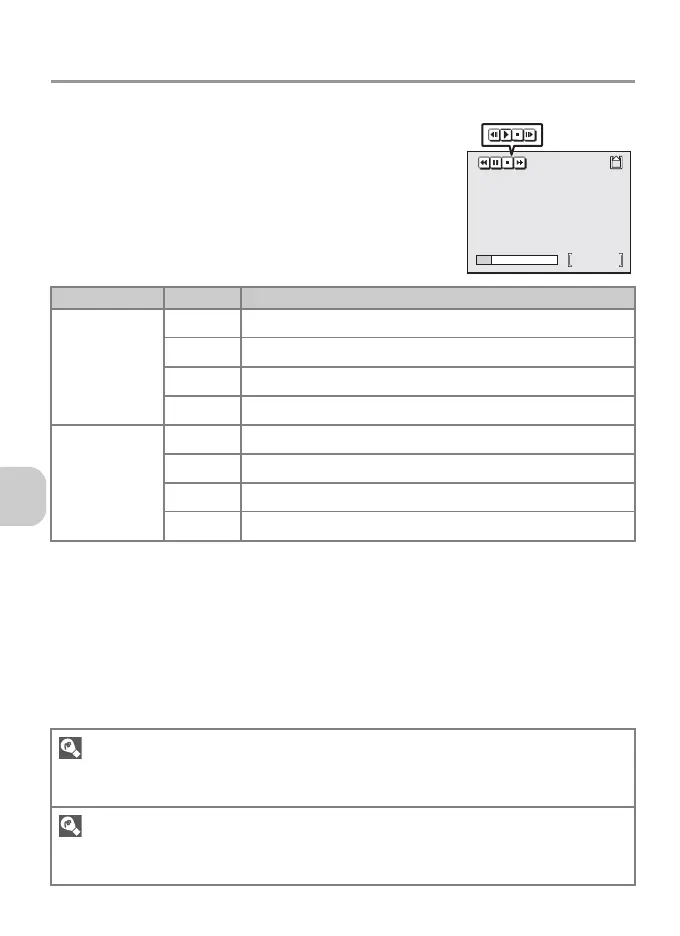
Movies are marked with the S icon in Full-screen
playback mode (P.49). Press d to play back a movie.
Playback controls are displayed at the top of the
monitor. Press the multi selector left or right to high-
light a control, then press d to perform the selected
operation.
During Icon Description
Playback
Q Rewinds movie while d is pressed.
U Advances movie while d is pressed.
R Pauses playback.
S Returns to Full-screen playback mode.
Pause
V Rewinds paused movie one frame.
W Advances paused movie one frame.
z Resumes playback.
S Returns to Full-screen playback mode.
Playback Volume
The zoom buttons control the volume during playback (except when playing a time-lapse movie).
Press j (t) to decrease the volume and k (v) to increase.
Deleting Movies
Pressing T (P.13) displays the delete confirmation dialog. Highlight Yes and press d to delete a
movie.
25s
25s
During pause



 To Next Page
 Loading...










