94
More on Playback
Viewing Multiple Pictures: Thumbnail Playback
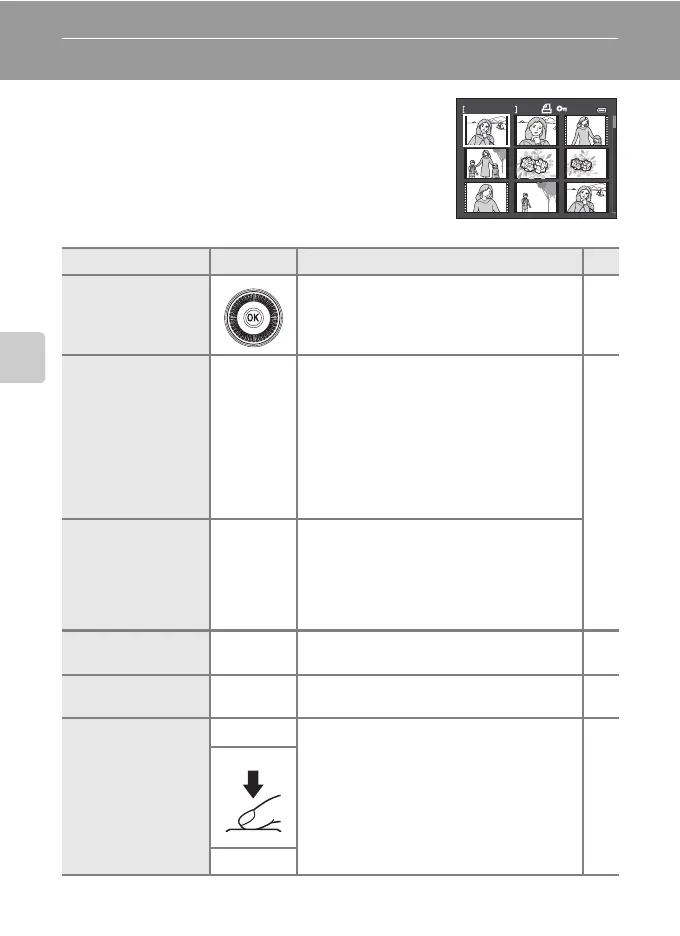
Rotate the zoom control toward f (h) in full-frame
playback mode (A30, 92) to display pictures as
thumbnail images in thumbnail playback mode.
The following operations can be performed in
thumbnail playback mode.
To Use
Description
A
Choose pictures
Rotate the rotary multi selector, or press H
,
I
,
J
or
K.
10
Increase the number
of thumbnails
displayed/Calendar
display
f (h)
Rotate the zoom control toward the f (h)
direction to increase the number of
thumbnails from 4 ➝ 9 ➝16 ➝72 ➝ Calendar
display.
In calendar display, the pictures can be
selected according to date by moving the
cursor (A95).
Rotate toward the g (i) direction to return to
thumbnail display.
-
Decrease number of
picture thumbnails
displayed
g (i)
Rotate the zoom control toward the g (i)
direction to decrease the number of
thumbnails from 72 ➝ 16 ➝ 9 ➝ 4.
Rotate toward g (i) again during 4
thumbnails display to return to full-frame
playback.
Return to full-frame
playback
k Press the k button.
30,
92
Delete pictures l
Select the deletion method and delete the
picture(s).
31
Switch to the
shooting screen
c
Press the c button or the shutter-release
button. You can also switch to shooting by
pressing the b (e movie-record) button.
30
b (e)
1 132/



 To Next Page
 Loading...










