E36
Connecting the Camera to a TV (Playback on a TV)
Reference Section
When using a commercially available HDMI cable
• Connect the plug to the HDMI jack on the TV.
3 Tune the television to the video channel.
• See the documentation provided with your television for details.
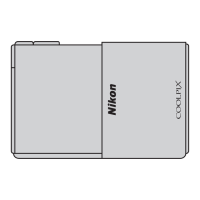
4 Open the slide cover to turn on the camera.
• Pictures are displayed on the television and the camera
monitor turns off.
• See “Operations with TV Connection” (E 37) for more
information.
To HDMI jackHDMI mini connector (Type C)


 To Next Page
 Loading...